AV
AV
AV
AV
Audio/
Audio/
Audio/
Audio/ Video
Video
Video
Video System
System
System
System
- 116 -
Instruction
Instruction
Instruction
Instruction and
and
and
and Operation
Operation
Operation
Operation
Introduction
Introduction
Introduction
Introduction to
to
to
to CD
CD
CD
CD player
player
player
player function
function
function
function
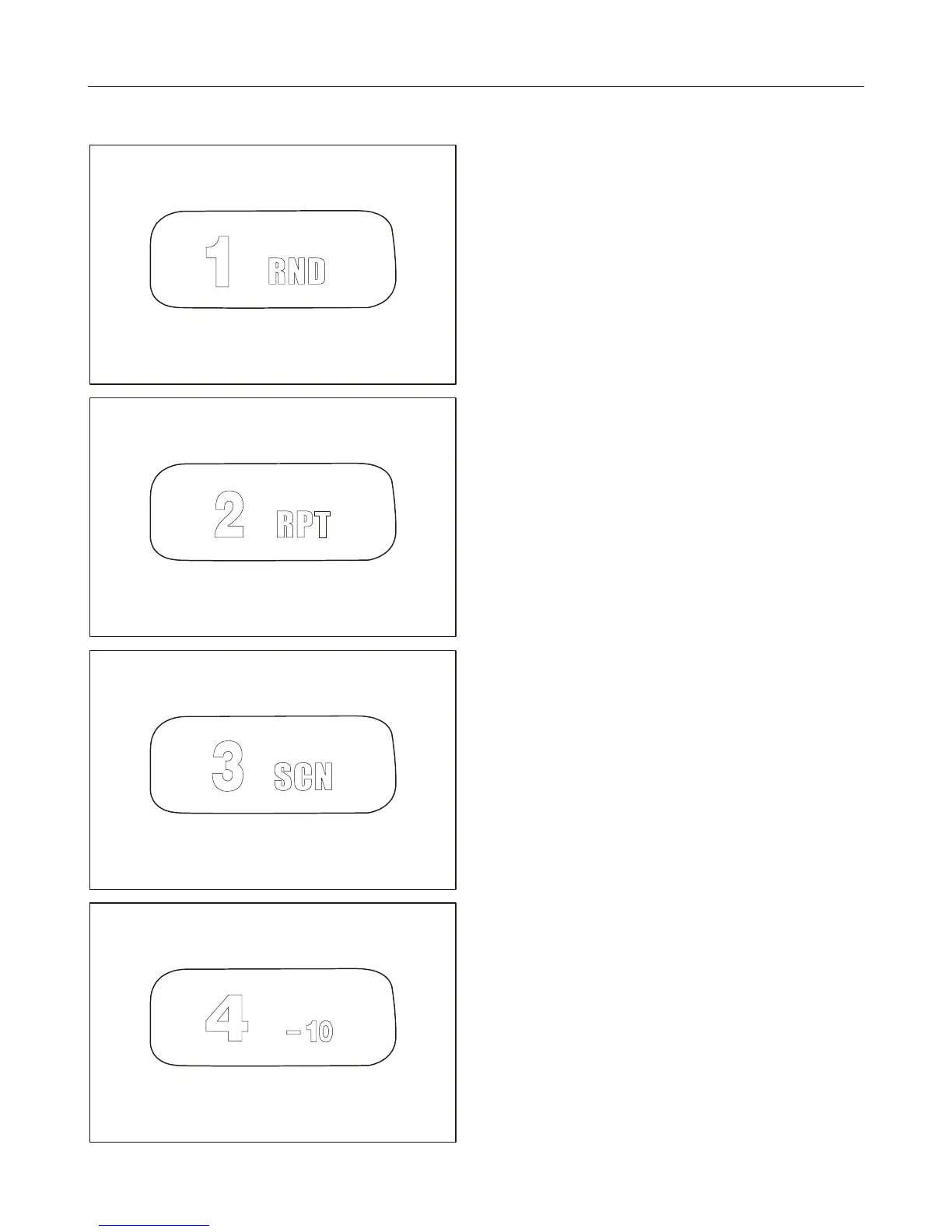
5. Press it shortly.
Under radio mode, the first radio station is
selected; under playback mode, random play starts.
Press and hold it.
The current radio station is stored onto No.1
position.
6. Press it shortly.
Under radio mode, the second radio station is
selected; under playback mode, repeat play starts.
Press and hold it.
The current radio station is stored onto No.2
position.
7. Press it shortly.
Under radio mode, the third radio station is
selected; under playback mode, scan play starts.
Press and hold it.
The current radio station is stored onto No.3
position.
8. Press it shortly.
Under radio mode, the fourth radio station is
selected; under playback mode, it starts to play
from the last 10th songs.
Press and hold it.
The current radio station is stored onto No.4
position.



 To Next Page