04
US
Notes:
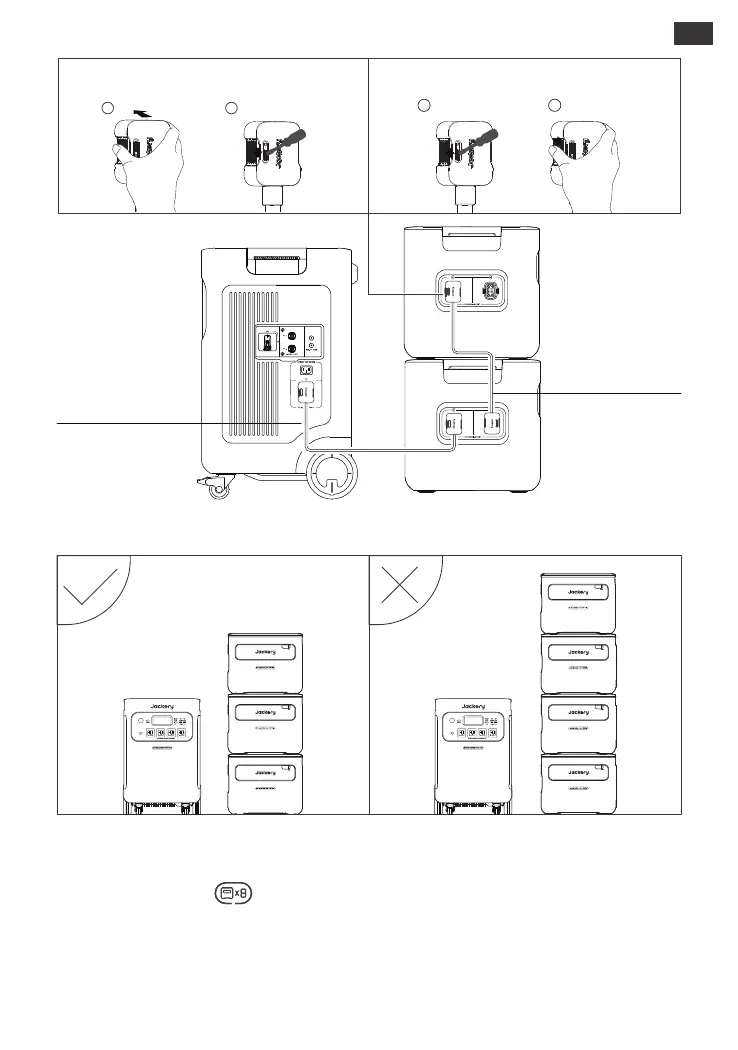
*Before connecting the battery pack to the Jackery Explorer 5000 Plus, ensure that both are
powered o.
*The appearance of the icon on the LCD screen(Jackery Explorer 5000 Plus) signifies a
successful connection between the battery pack and the Jackery Explorer 5000 Plus.
*When using the product, please do not stack more than two battery packs on
top of the battery pack to prevent it from falling o and causing injury.
*Please do not stack the product on top of the Jackery Explorer 5000 Plus.
Expansion Cable
Expansion Cable
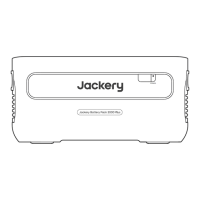
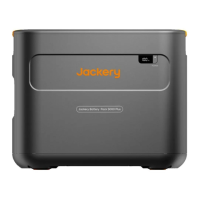
Jackery Battery Pack 5000 Plus
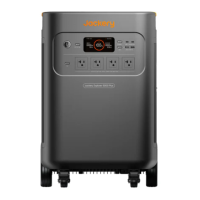
Jackery Explorer 5000 Plus
1 2
1 2
Lock Unlock


 To Next Page