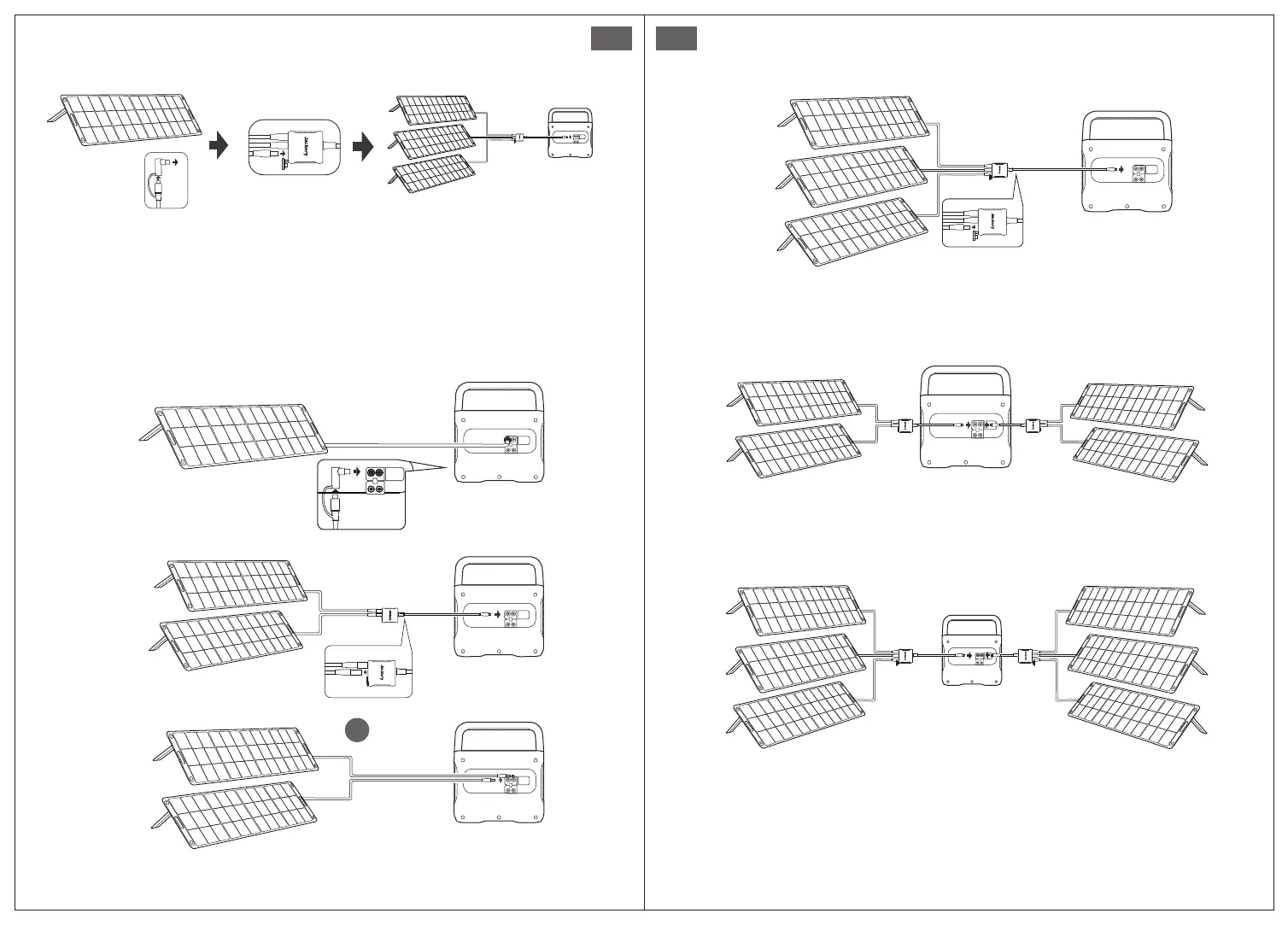
When connecting three solar panels, please operate as follows:
SolarSaga 200×3
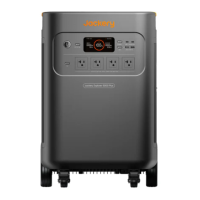
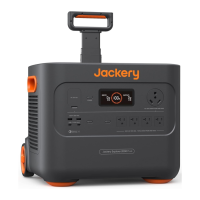
Explorer 2000 Pro
SolarSaga 200
9
Solar Panels Connection Guide
Users can use our solar panels to charge this product in series or parallel as shown in the following
illustrations.
Example 2
Example 1
OR
SolarSaga 200×2
Explorer 2000 Pro
SolarSaga 200
Explorer 2000 Pro
SolarSaga 200×2
Explorer 2000 Pro
EN EN
Example 5
10
Example 3
Example 4
Caution: When the two inputs are used at the same time, please make sure to use the same type
of solar panel and the number of solar panels in the two inputs must be the same to avoid
damage or charging problems of the equipment due to inconsistent voltages of the two
channels.
SolarSaga 200×3
Explorer 2000 Pro
SolarSaga 200×2 SolarSaga 200×2Explorer 2000 Pro
SolarSaga 200×3 SolarSaga 200×3Explorer 2000 Pro
Connection Operation Instructions: When charging, please connect the connector to the DC input
port of the power station before connecting the solar panel. When the power station is fully charged, make
sure to remove the solar panel first, then remove the connector from the power station.








 To Next Page