en-31
5 CONTROLS
5.2.H.16 SET DEFAULT PARAMETERS _________________________________________
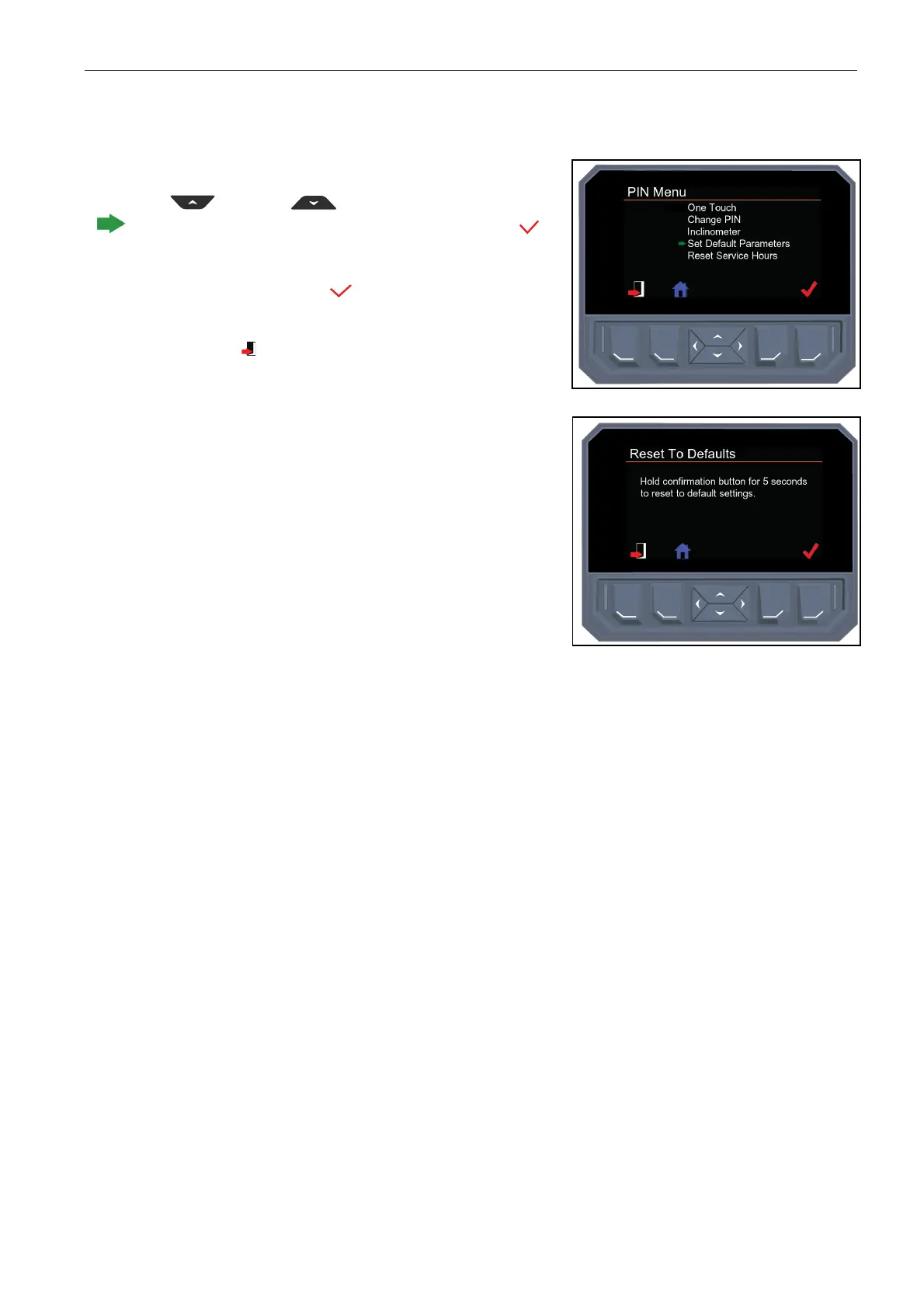
Turn the key switch to the “Run” position, navigate to the pin menu.
Use the up and down arrow keys until the green arrow
is next to set default parameters. Press the select button to
select set default parameters.
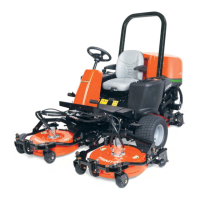
Press and hold the select button for five seconds to reset the
mower to default parameters.
Press the back button to return to previous menu
.


 To Next Page