1
Product Appearance
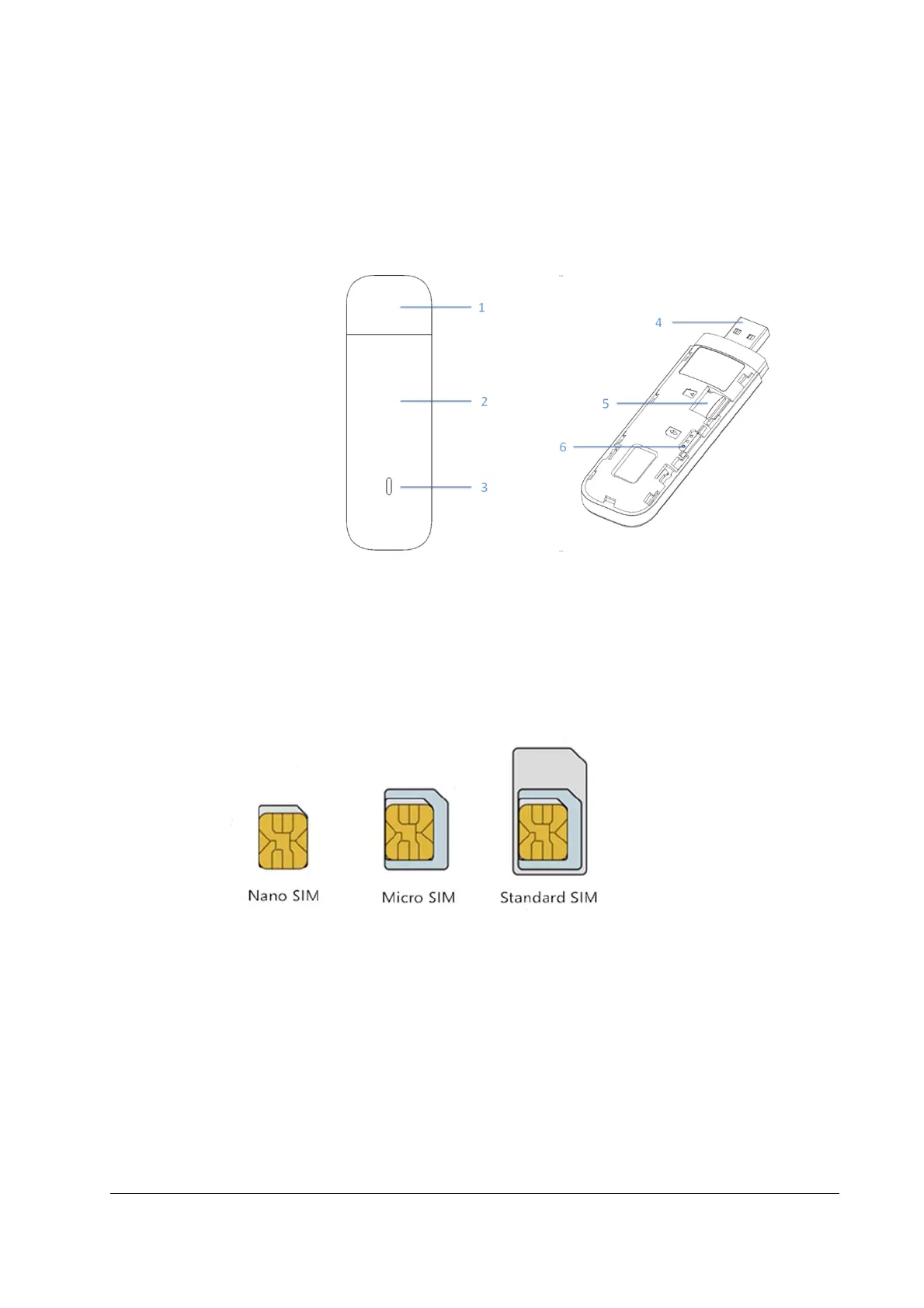
Thank you for purchasing the JACS product. The following figure is only for your reference. The
actual product may be different.
1.Dongle Cap
2.Front Cover
3.Indicator Light
4.USB Connector
5.T-Flash Card Slot
6.Nano-SIM Card Slot
Hardware Installation
Please use standard nano-SIM card. Inserting non-standard nano-SIM card or standard-SIM card or
micro-SIM card could cause the SIM card to be unrecognized or the damage of the card slot.
If the SIM card you’re using is not compatible with the device, please contact your carrier.
Please follow the steps below to insert the SIM card:
Step1. Remove the front cover gently as shown by the arrow.



 To Next Page