See FAQ at support.jadens.com
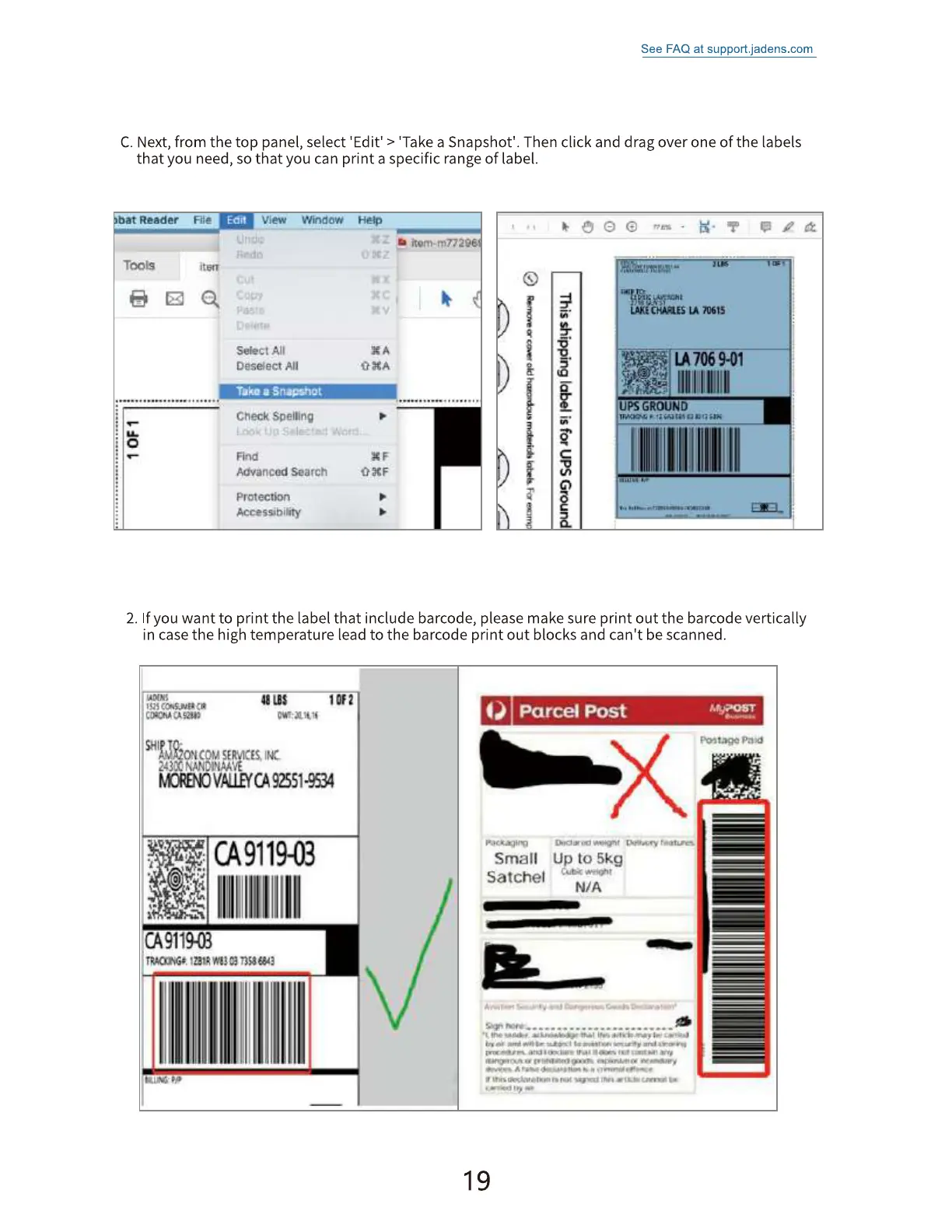
C. Next,from the top panel, select 'Edit' > 'Take a Snapshot'. Then click and drag over one of the labels
that you need, so that you can print a specific range of label.
at Reader
Too Is
View
Select
Window
He:1P
item.mnae
All
Take u Sf'äEVIOt
Check spelling
Advanced search
protection
Accessibif•ity
LA7069-01
UPS GROUND
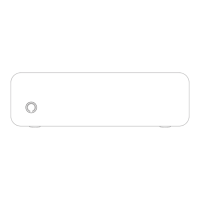
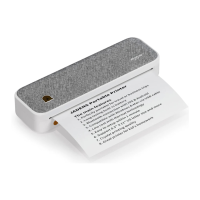
2. If you want to print the label that include barcode, please make sure print out the barcode vertically
in case the high temperature lead to the barcode print out blocks and can't be scanned.
ton
MEOVAU.EfCA92551-9N
491190
CA91190
ruon€e. EU
O Parcel Post
Small up to 5kg
Satchel
19


 To Next Page