See FAQ at support.jadens.com
4.The suitable label size
• Jadens printer works with any Direct Thermal Label, and compatible
with a width range from 1.57" to 3.15" and length over 0.79". Normal
paper is not applicable. Must be THERMAL LABEL!
5.How to feed label
O
Turn the power on
14
uws
Feed button
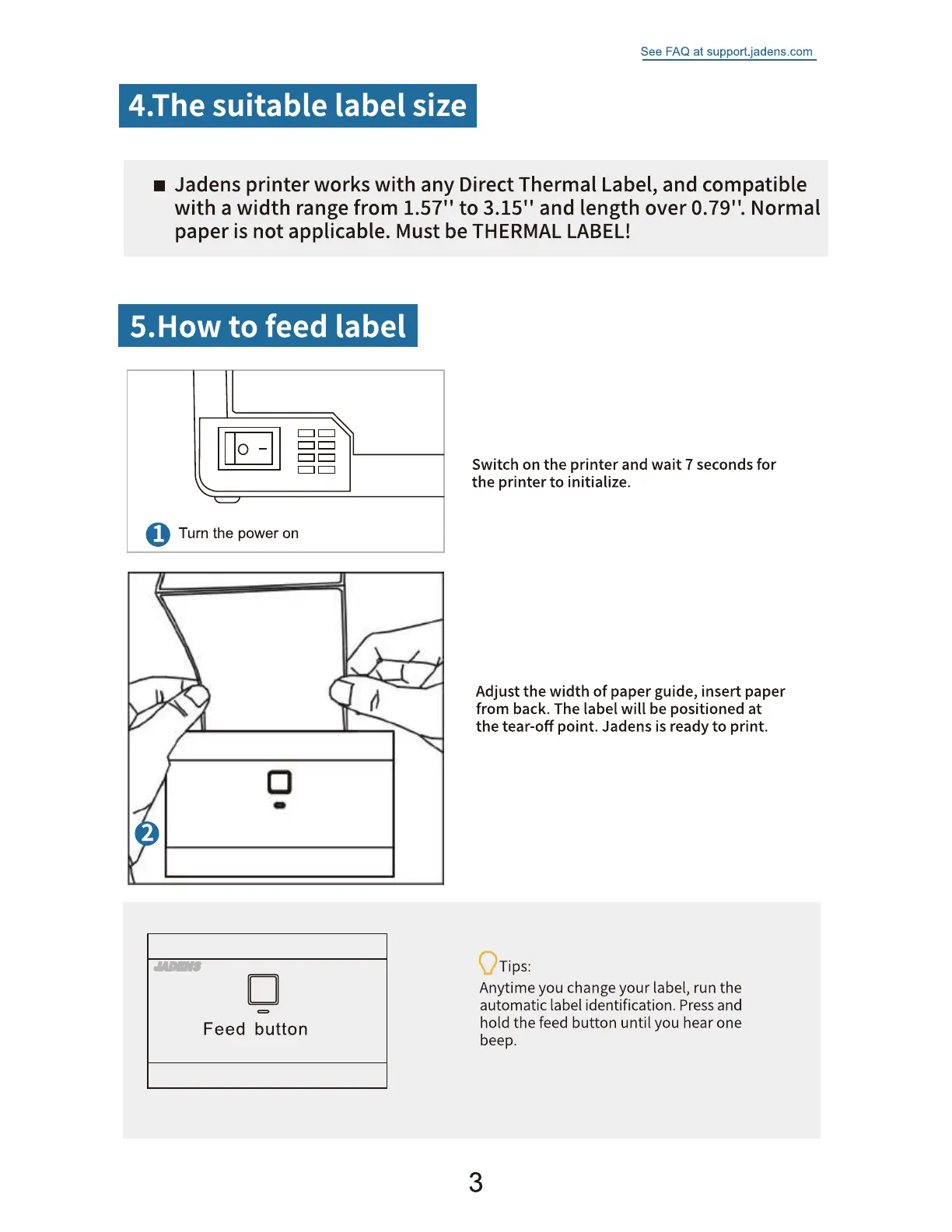
Switch on the printer and wait 7 seconds for
the printer to initialize.
Adjust the width of paper guide, insert paper
from back. The label will be positioned at
the tear-off point. Jadens is ready to print.
Tips:
Anytime you change your label, run the
automatic label identification. Press and
hold the feed button until you hear one
beep.
3


 To Next Page