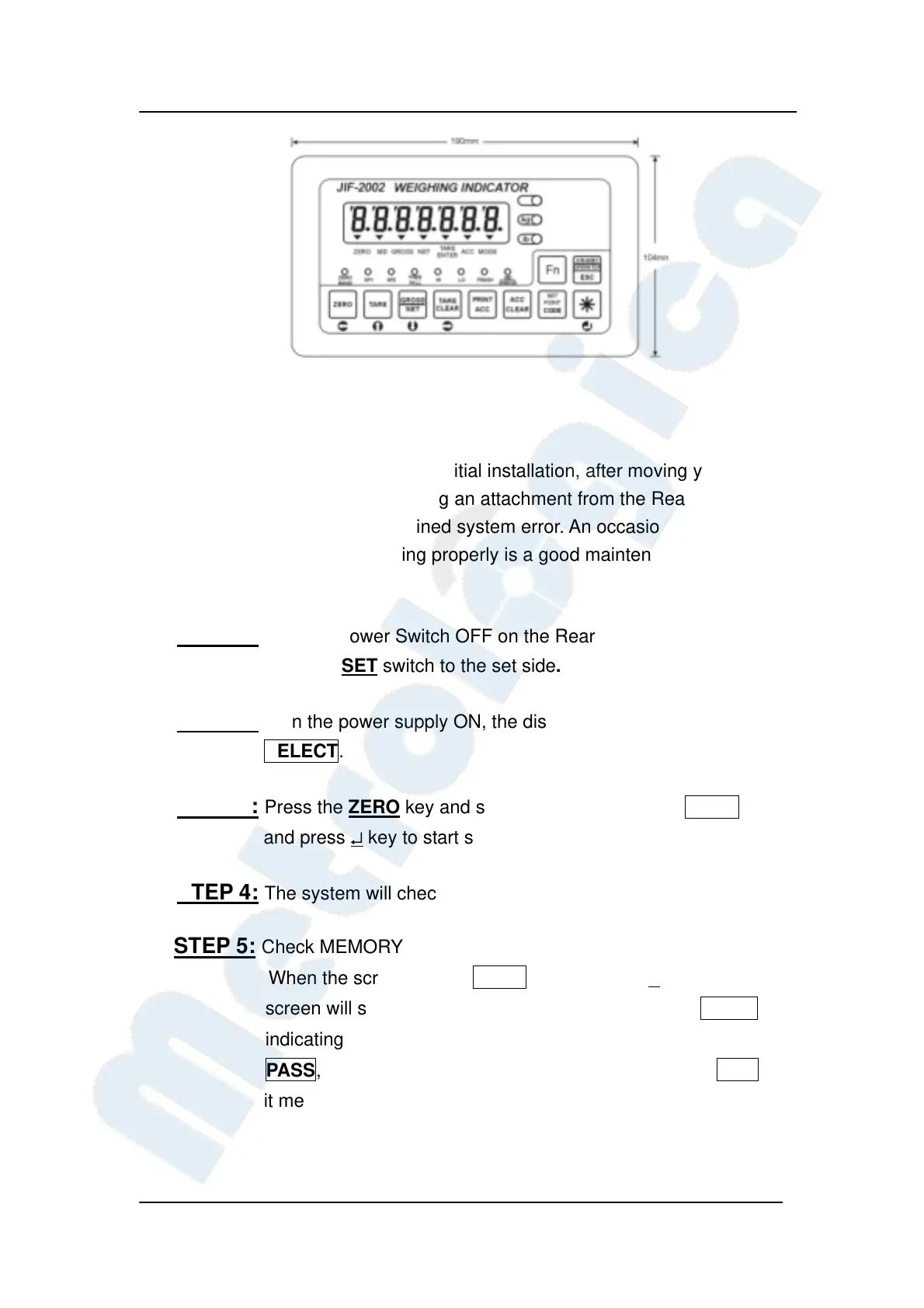
JIF-2002 WEIGHING INDICATOR&CONTROLLER
18
4-1 System Check
A system check should be run: after initial installation, after moving your
JIF-2002 connecting or disconnecting an attachment from the Rear Panel and
as means of locating any unexplained system error. An occasional self-check
to make sure everything is working properly is a good maintenance practice
as well.
STEP 1: Turn the Power Switch OFF on the Rear Panel.
Slide the SET switch to the set side.
STEP 2: Turn the power supply ON, the display will show blinking
SELECT.
STEP 3: Press the ZERO key and screen will show blinking CHEC,
and press ↵ key to start system check.
STEP 4: The system will check Green Tube and LED in sequence.
STEP 5: Check MEMORY﹝EEPROM、SRAM﹞
When the screen shows SRAN, please press ↵ key. The
screen will subsequently show a series blinking dots ………
indicating system checking in process. If the screen shows
PASS, it means checking passed. If the screen shows FAIL,
it means system error.


 To Next Page
 Loading...