JIF-2002 WEIGHING INDICATOR&CONTROLLER
42
5-1 SET POINTS
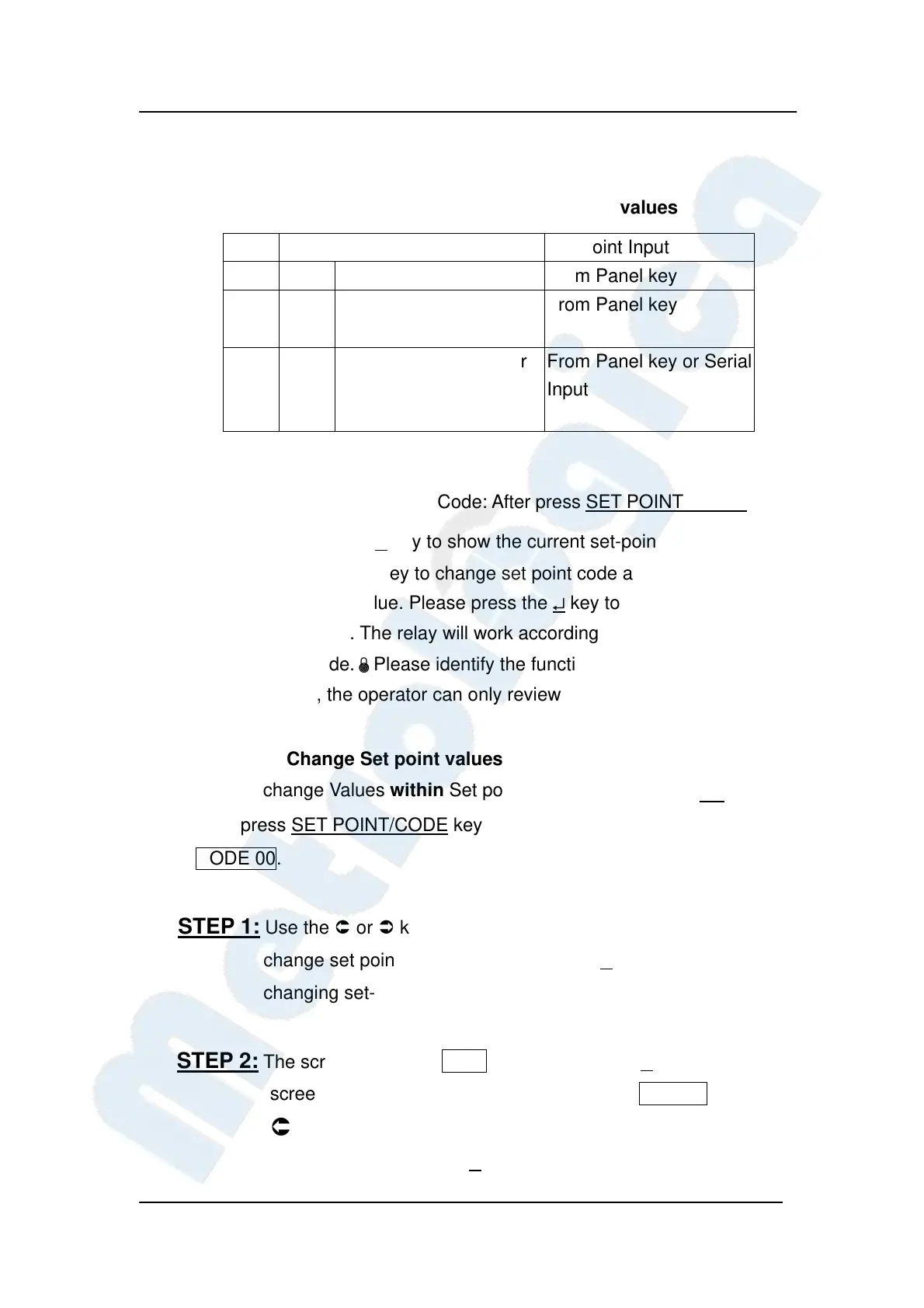
5-1-1 Change Set point code and Set point values
F106
Input Mode Set Point Input
1 Panel key From Panel key
2
BCD Input: Code Input
from rear panel
From Panel key
3
Serial Input: RS-232 or
RS-422/482 when
F203=5
From Panel key or Serial
Input
How to change Set point Code: After press SET POINT/ CODE key,
please press the ↵ key to show the current set-point code.
Use the or key to change set point code and the or
key to change value. Please press the ↵ key to finish changing
set-point code. The relay will work according to the specific
set-point code.±Please identify the function F106=1.
Otherwise, the operator can only review the set-point codes.
5-1-2 Change Set point values
How to change Values within Set point Codes: Please press*key,
then press SET POINT/CODE key. The screen will show blinking
CODE 00.
STEP 1: Use the or key to change position and the or key to
change set point code. Please press the ↵
key to finish
changing set-point code.
STEP 2: The screen will show Final. Please press the ↵ key, and the
screen will show 6-digit value with blinking 0 000.000. Use the
or key to change position and or key to change
value. Please press the ↵
key to confirm FINAL value.


 To Next Page
 Loading...