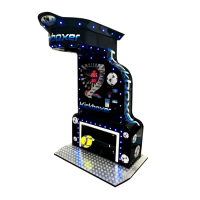
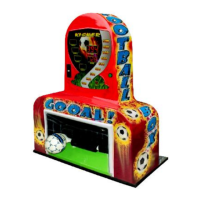
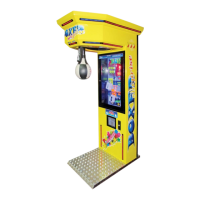
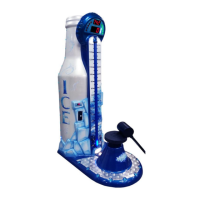
BOXER & KICKER – operator's manual/instrukcja użytkownika
- 6 -
Resetting the current record:
Display 1 – the value of the current record. To reset the current record press
button SETUP. The current record will be reset to basic parameter – 550.
Strength characteristics:
Changing the beats strength.
Display 1 – change from 90% to 110%
Non erasable - electronic counter:
The number of pulses from the beginning of the machine's production.
It is not possible to change it.
Current electronic counter:
The number of pulses from the last account has been made. Can be reset.
Display 1 – Resetting the current electronic counter.
Test credits:
The number of credits for test purpose from the beginning of the machine's
production.
Display 1 – Setting credits for test.
Basic parameters:
Basic values set by the producer. Cannot be changed.
• Time of repeating presentation
• Record
• Strength characteristics
• Credits
To reset the machine to the basic/factory settings press SETUP button. While
pressing SETUP button the changes will be done automatically without
showing information on the display.
Language:
Only for producer's use.
FREE PLAY:
Display 1:
0 – off
1 – on
Options of ticket dispenser
Automatic reset of the record:
Display 1:
• 0 – off
• 1 – Standard option, which means that values of options 27, 28, and
29 are set by the producer. For 27 (950), 28 (20), i 29 (550).
• 2 – Set option, appears if any value of Standard option in 27, 28 or 29
is changed manually by the operator.
Resetting of the record takes place during presentation time (option 12 –
Time of repeating presentation).
Example: If presentation is turned on every 10 min, after that time the record
will be reset automatically.
To option 26:
Reached Record
Display 1 – The value of the record, which needs to be reached so the option
number 28 – Games Counter activates. When Reached Record (option



 To Next Page