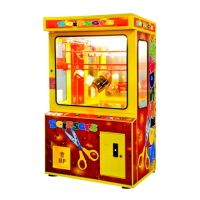
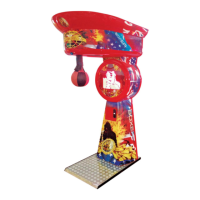
BOXER & KICKER – operator's manual/instrukcja użytkownika
- 5 -
III. BOXER & KICKER MULTIPLAYER PARAMETERS CHANGE
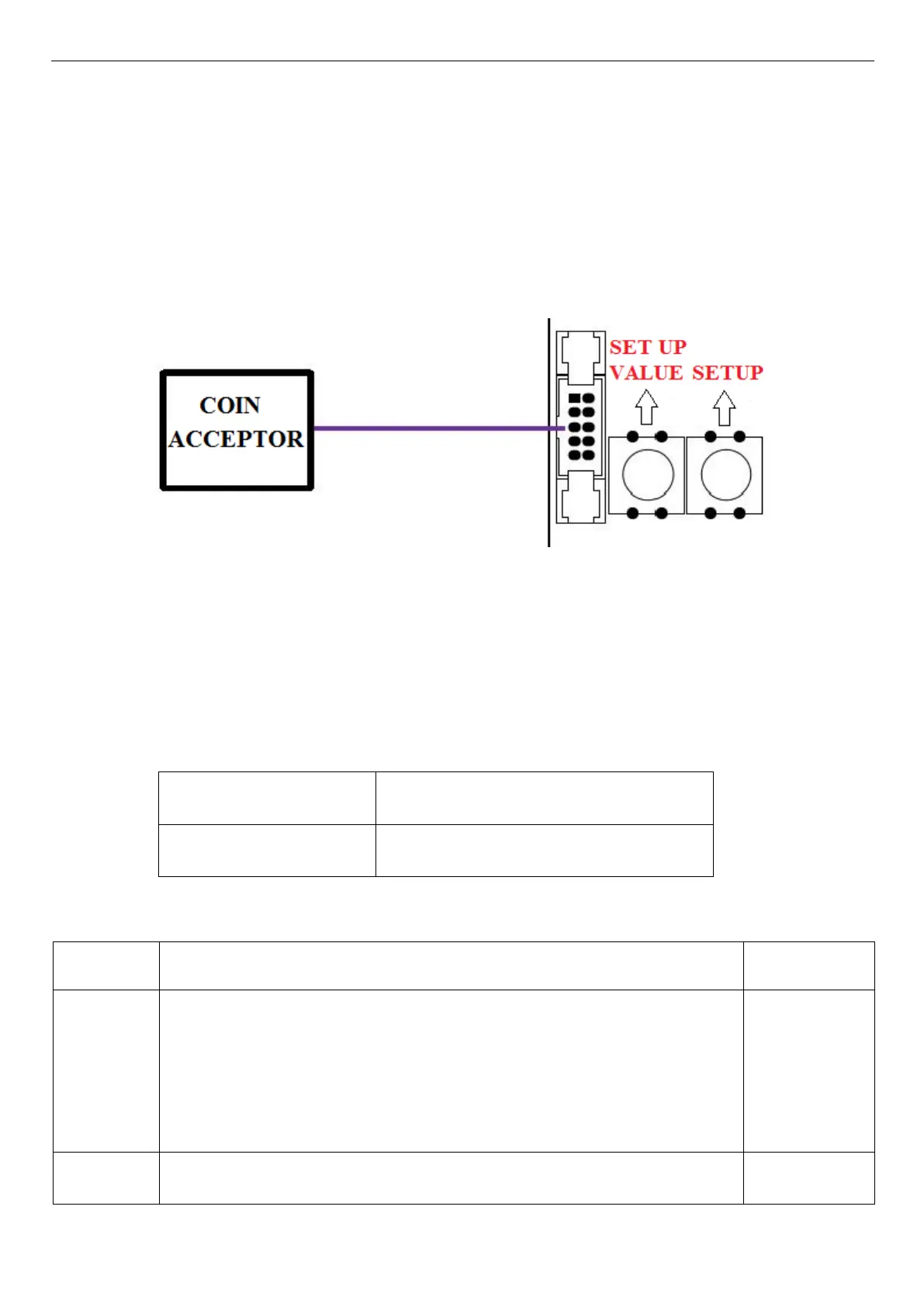
To change Boxer/Kicker options you should press and hold SETUP VALUE button, which is placed the
closest to plugging of the coin acceptor (photo nr 1), and then press the second SETUP button. The
characteristic sound will inform about entering the settings of the machine. If the sound will not occur it might
be caused by FREE PLAY option or not used credits. In this situation START button in the front of the
machine should be pressed on.
Photo nr 1
After entering settings of the machine, the number of particular option appears on the credit display. Using
SETUP button you can move between the options. Pressing SETUP VALUE button you enter the particular
option and immediately by using the same SETUP VALUE button change its parameters. To accept changes
press SETUP button and automatically you will forward to the next option.
Changing credits settings:
• option 1-4 coin acceptor channels
• option 5-8 banknote acceptor channels
DISPLAY 1 – Setting coin value.
DISPLAY 2 – Setting the number of credits received for each coin.
Example: Option 1, on Display 1 set value 0,50, and on Display 2 set value 1
means that 0,50€ the player will receive 1 game.



 To Next Page