- 6 -
Intel P43 Series User's Manual
1.4 Connecting Rear Panel I/O Devices
The rear I/O part of these mainboard provides the following I/O ports:
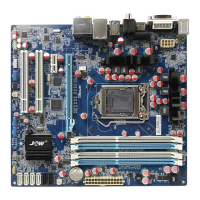
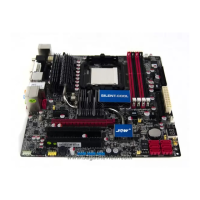
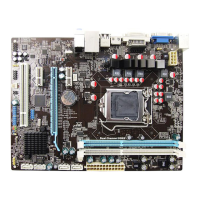
(This picture is only for reference)
• PS/2 Mouse: Connects to a PS/2 mouse.
• PS/2 Keyboard: Connects to a PS/2 keyboard.
• SPDIF IN: This connector provides an S/PDIF-IN connection through optical ber to digital
multimedia devices
• COM: Connect to external modem.mouse or other devices that support this communication
portocol.
• USB: The USB ports are used to connect USB 2.0/1.1 devices such as scanner, speakers,
keyboard, mouse, hub, digital camera, joystick, etc.
• LAN: The LAN port allows the motherboard to connect to a local area network by means of
a network hub.
• AUDIO(Rear Panel Audio):
Cen./Sub. (Center / Subwoofer): Connects to the center and subwoofer channel in the 7.1
channel audio system.
R.L./R.R. (Rear Left / Rear Right): Connects to the rear left and rear right channel in the 7.1
channel audio system.
S.L./S.R. (Surround Left / Surround Right): Connects to the surround left and surround right
channel in the 7.1 channel audio system.
Line-in (Light Blue): This jack is used to connect to the line out from any external audio
sources such as MP3 player, CD player, AM/FM radio tuner, etc.
ine-out (Front Left/Right Jack, Lime): This jack is used to connect to the front left and
right channel speakers of the audio system.
Mic-in (Pink): This jack is used to connect an external microphone.

 To Next Page
 Loading...