AcuFil Tips
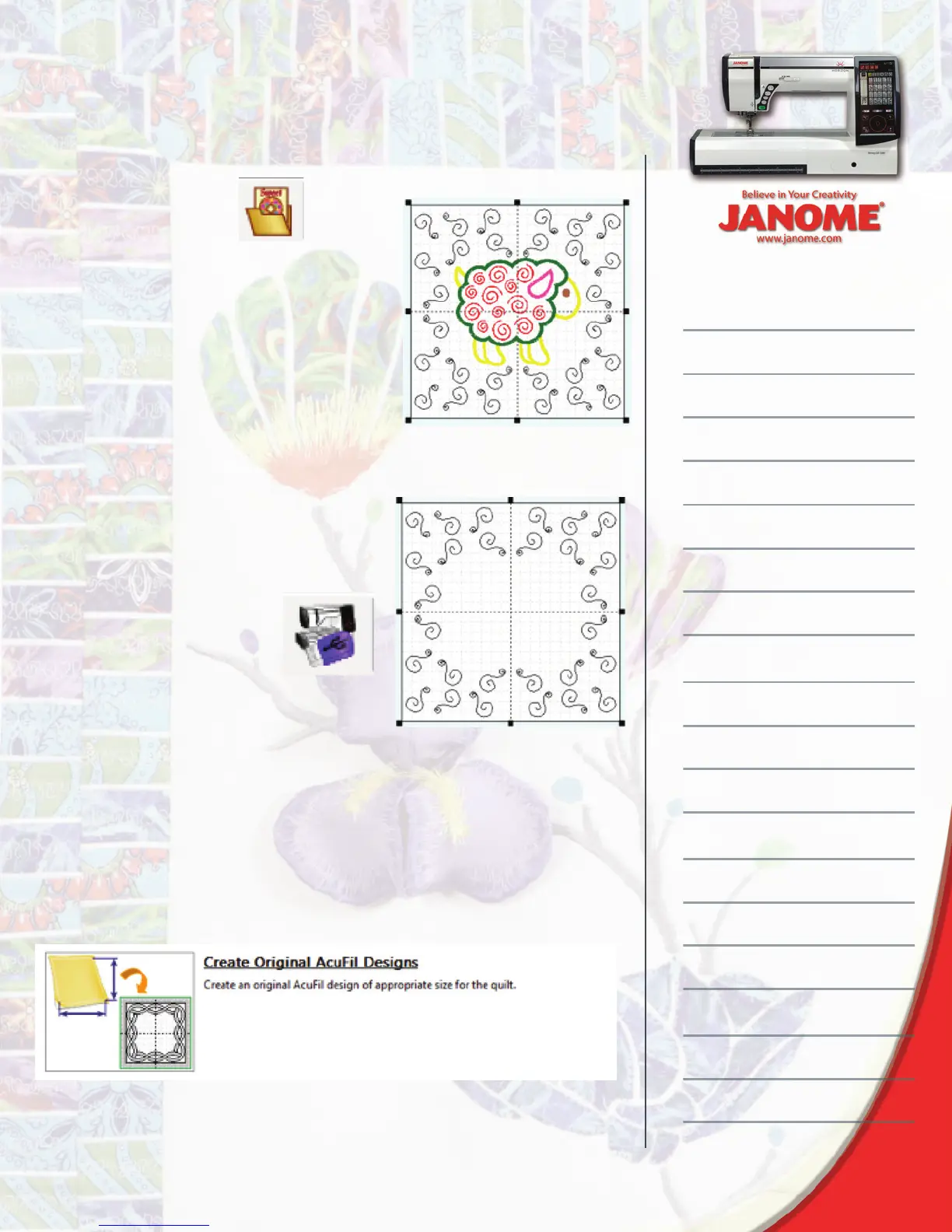
4. Click Import Design
5. Select the centered embroi-
dery design and then delete it
from the hoop.
Print a template and then
write the design to the
machine or USB fl ash drive.
and navigate to the desired quilt
motif. The built in motifs will be found: C
Drive > Program Files(x86) > Janome >
AcuFil Tool > Design Collection > Stippling
Parts. Add quilting motifs to the hoop sur-
rounding the embroidery design.
Quilting a Sash or Border
Add visual interest to your quilt with sashing and borders quilted with
continuous look designs.
1. Measure the width and height of the sash or border; do not include
the corner stones these will be created with a different tool.
2. Open AcuFil Tool and select Create Original AcuFil Designs


 To Next Page