PROGRAMMING
16
To set the end positions of the controlled radio drive and for further settings or programming steps, you need the instructions
for the respective radio motor or external radio receiver!
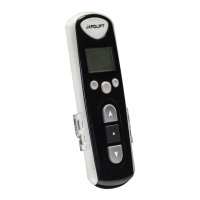
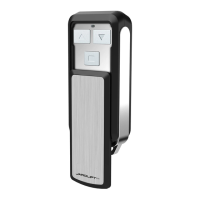
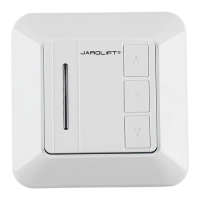
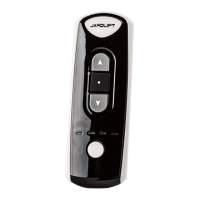
Initial programming TDRC08 / TDRC16
The example shown is exemplary and depends on the respective receiver type. Please refer to the instructions of the receiver!
NOTE: Each key must be pressed (held) for approx. 1 second!
Each programming step must take place within approx. 10 seconds.
Otherwise, the system automatically exits the programming mode. If necessary, start from the beginning.
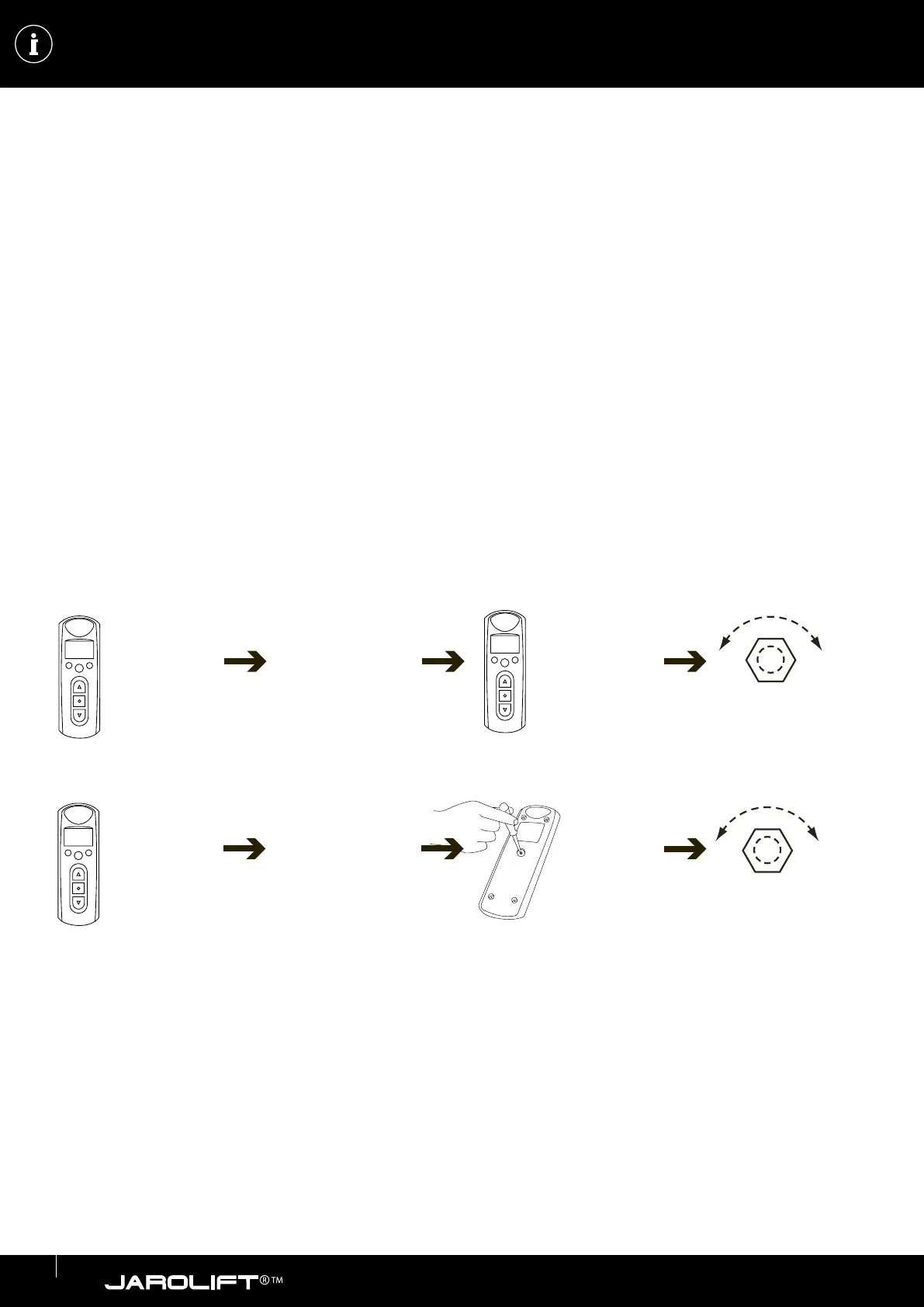
1. On the handheld transmitter, use the K1 or K3 buttons (for a description, see page 5) to select the desired channel on which
the receiver is to be programmed (the active channel is marked by a frame in the lower channel bar).
2. Set the desired radio receiver or radio motor to programming mode according to the associated instructions.
3. Within approx. 10 seconds, press the up and down buttons of the hand-held transmitter simultaneously.
4. Then immediately press the stop button on the hand-held transmitter.
5. Successful teach-in is acknowledged by a short vibration of the tubular motor connected to the radio receiver or the vibrati-
on of the radio motor.
As an alternative to pressing the up, down and stop buttons, the programming button on the back of the hand-held transmitter can
also be used (option 2 - depending on the model).
Possibility 1:
Desired channel
(1-8 or 1-16) via
Channel selection
key to select.
UP/DOWN key
simultaneously
then press Press
STOP.
(engine vibrates)
Possibility 2:
Briefly press the pro-
gramming button
(back) with a biro or
a small screwdriver.
(engine vibrates)
If you want to control more receivers with this transmitter/channel, repeat the procedure.
ATTENTION!
Check the function with the UP/STOP/DOWN buttons on the hand-held transmitter.
If the direction of rotation of the motor is incorrect (roller shutter / motor moves downwards when the UP button is pressed),
the direction of rotation of the motor must be changed.
Please refer to the chapter “Changing the direction of rotation” of the respective radio motor or radio receiver.
Receiver according
to instructions to
the learning mode
according to the
instructions.
max. 10 sec.
Desired channel
(1-8 or 1-16) via
Channel selection
key to select.
Receiver according
to instructions to
the learning mode
according to the
instructions.
max. 10 sec.


 To Next Page
 Loading...