Using your Jarv Action +HR Activity
Band
Switching between different function modes
Short Press the touch sensor button on the front of
the Jarv Action +HR Activity Band to switch in
between modes. If no activity is detected after 5
seconds the tracker will go into Standby Mode. This
time limit can be changed in the Setting menu under
Display Limit.
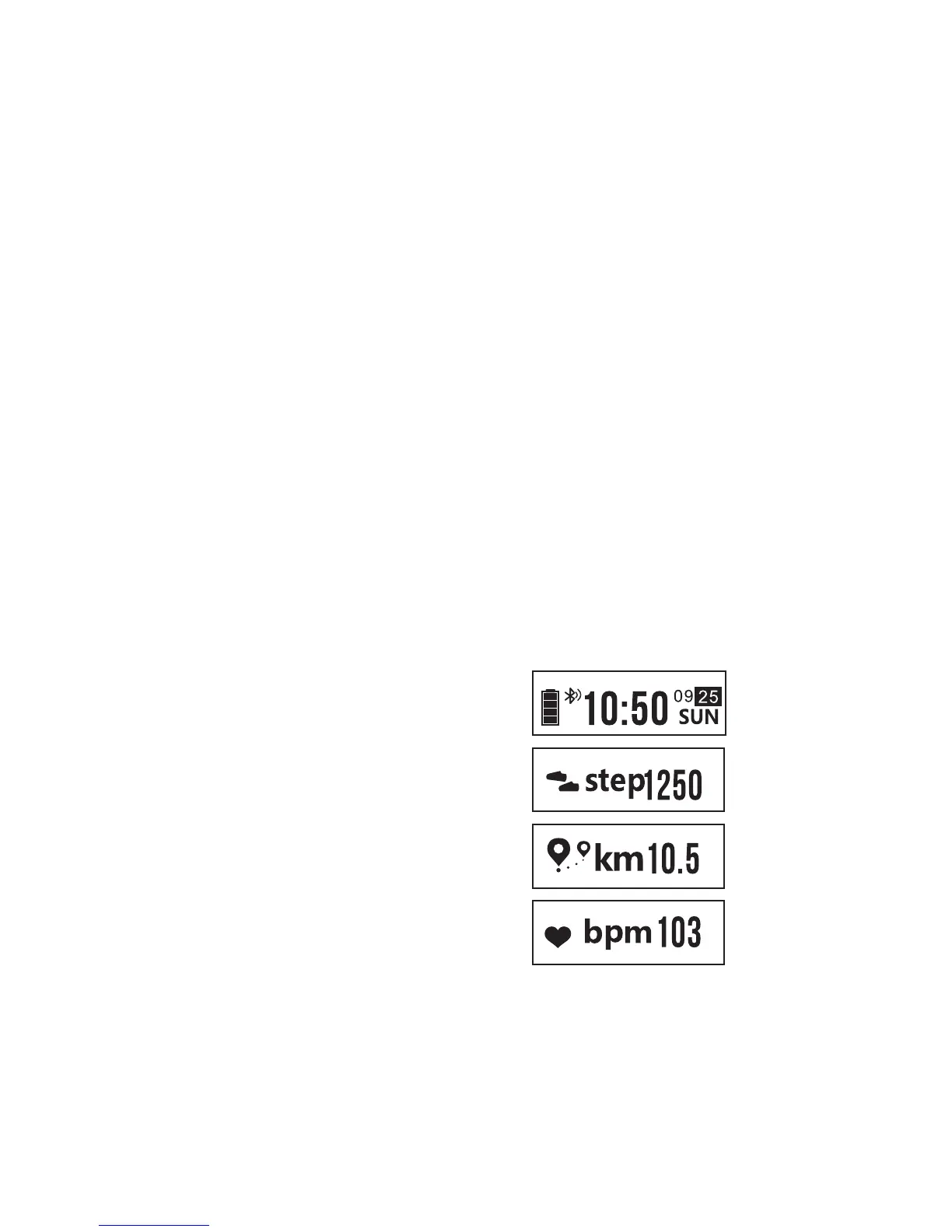
Jarv Action +HR Activity Band Mode
Functions
Time Mode
Step Mode
Distance Traveled
Heart Rate Mode
14


 To Next Page