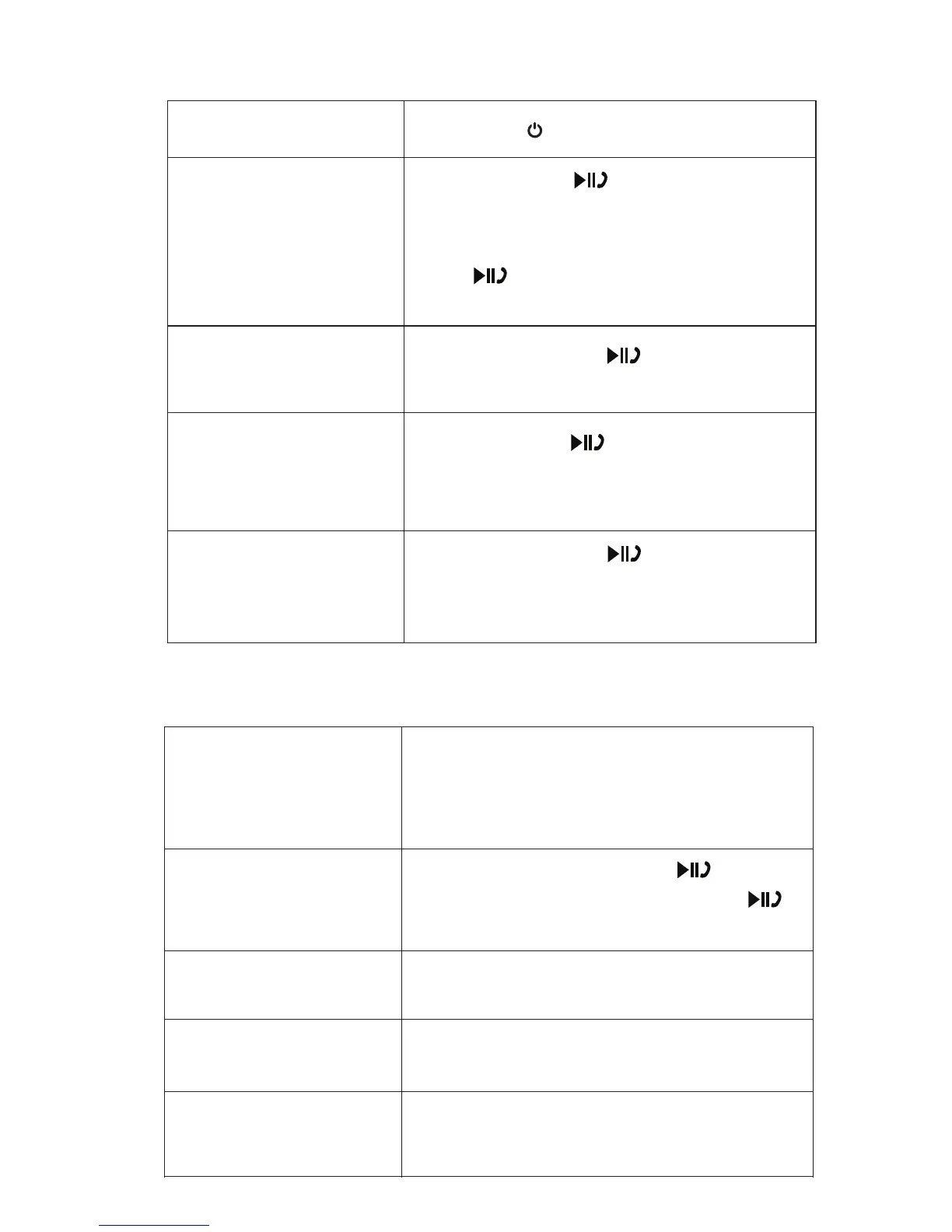
Press and hold the button for 2
seconds to reject the incoming call.
Short Press the button once to
accept the call, or answer the call
normally via your mobile phone. Short
Press again to end the call and
resume music
CALL MODE
MUSIC MODE
Long press to power on / o. Powering ON/ OFF
Answering a call
Rejecting a call
Redialing a call
Adjusting the
Volume
Play/Pause Music
Ending a call Short Press the button to end the
call or end the call directly from your
mobile phone.
Press and hold the button to
redial the last dialed phone number
on your mobile phone.
Short Press the Volume + to increase
volume or Volume – to decrease volume.
You can also adjust the volume on your
handset or device
Once connected, Press the button
once to play music. Short Press the
button to pause music.
Previous Track
Press and hold the " -" key to select the
next track.
Next Track
Press and hold the "+" key to select the
previous track.
Disconnect Bluetooth
Connection
Press and hold the " -” and “ +” button to
disconnect current Bluetooth connection


 To Next Page