!
!
More about charging:
!
•
It takes just over one hour to fully charge your battery.
•
A full charge lasts up to 7 days (varies by use).
•
The moon and runner icon will flash simultaneously to alert you that your
battery has only 10% remaining
!
!
SYNCING AND PAIRING
!
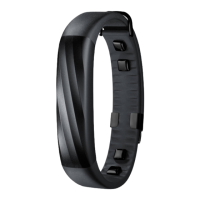
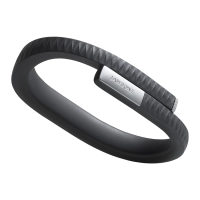
UP is a system. The tracker records your movements and sleep. The app displays your
data. Data collected by the tracker is communicated wirelessly with Bluetooth LE. To
sync data, your tracker must remain connected to your device via Bluetooth. Press the
tracker button to connect at any time. Your data will sync with the app once it has
connected. When syncing, a progress bar displays in the app. Your data also syncs
every minute when the app is open and your tracker is connected and within 33 feet
of an iOS device. When the app is running in the background, your data will sync
every
20 minutes. Once the sync is complete, you can immediately review your
progress in
the activity log. You can review your activity log later by pulling down on
the
homescreen. Swipe up to close.
!
!
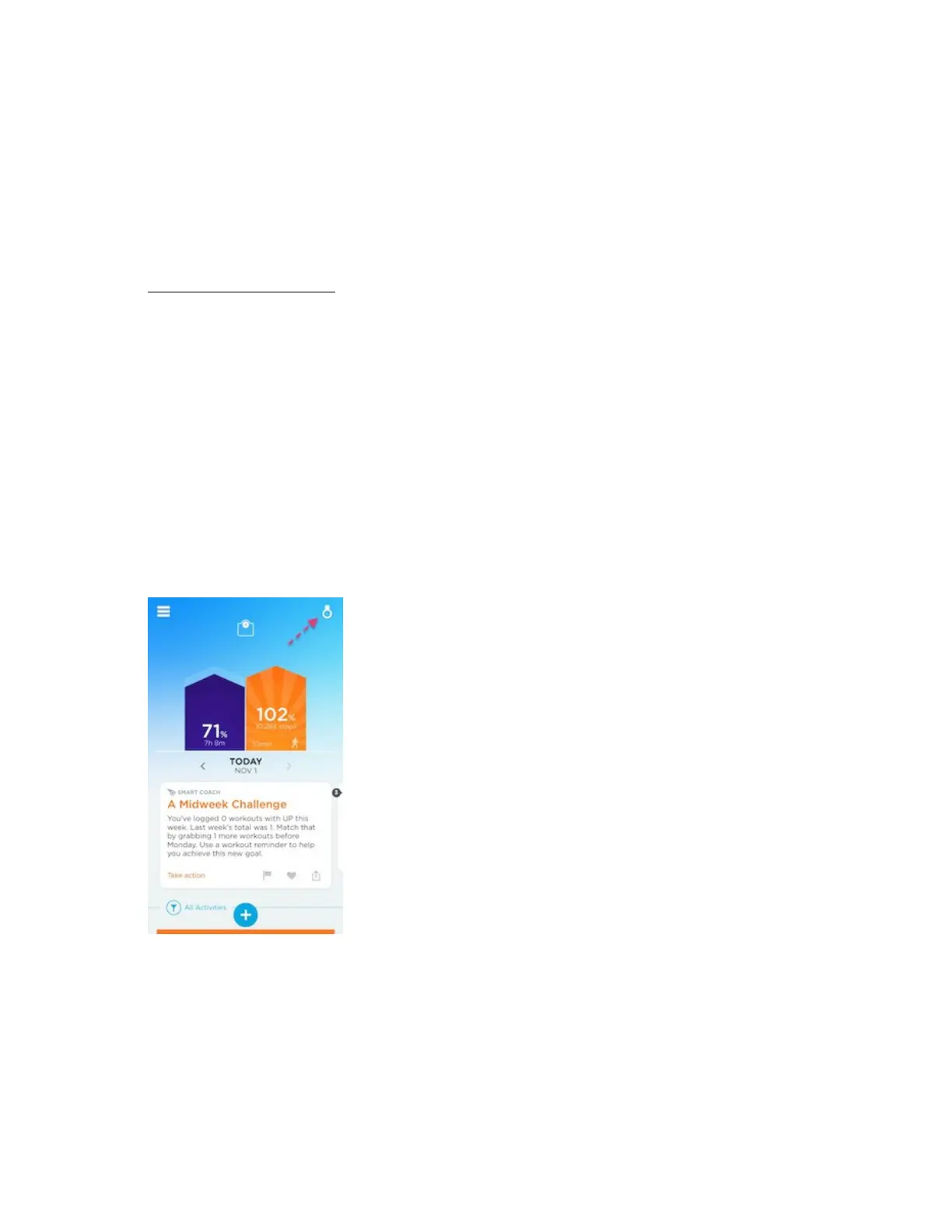
Check if device is synced: To check your tracker’s connectivity, open the UP app
and
check the status badge in the upper right corner. If a tracker icon appears, your
tracker is connected.
AddIng a new device: If you’d like to connect a new tracker, please see Add Another
Tracker.
!
Troubleshooting
If your tracker is disconnected, you’ll see a red Bluetooth symbol in the upper right
corner of your homescreen. To reconnect, try the following steps:
•
Close the app, then relaunch.
•
Turn off your device’s Bluetooth. Wait 1 minute, then turn it on again. Finally,
relaunch the app.
•
Check your internet connection. The UP app needs the internet to sync.


 To Next Page
 Loading...