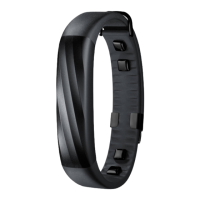
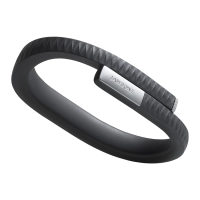
!
•
Restart your device.
•
Perform a soft reset on your tracker.
!
BAND NOTIFICATIONS
!
You can receive notifications directly on your UP3.
!
Step Goal
When you reach your step goal for the day, your band will vibrate and the notification
icon and runner icon will flash.
!
Smart Alarm
Use Smart Alarm to wake you up during a period of Light sleep. To learn more about
Smart Alarm, go here.
!
If you use Smart Alarm, your band will wake you up with gentle vibrations. The
notification icon and moon icon will also flash.
!
To snooze Smart Alarm, gently tap your band surface once. If you snooze, the band
will wake you up at a specified moment, not necessarily during Light sleep. To dismiss
the alarm, gently touch and hold the band surface.
Reminder
If you use Reminders in the UP app, you’ll see the following reactions:
!
!
Moon and notification icon flash.
!
Runner and notification icon flash.
!
Notification icon flashes.
!
Notification icon flashes.
!
Notification icon flashes.
!
Notification icon flashes.
To dismiss a Reminder, gently tap your tracker once.
Idle Alert
Idle Alerts notify you when you have been still for a specified period of time. To learn
more about Idle Alerts, go here.
!
If you use Idle Alerts and have been idle for a specified period of time, the runner icon
will flash for a few seconds, then stop. You do not need to dismiss an Idle Alert.
!
UP App Notification
When UP sends a notification, for example when you have reached an achievement or
accomplished a Today I Will, the app will send a push notification to your phone. Your
band will notify you by flashing the notification icon and vibrating. Check the UP app
to see your notification.


 To Next Page
 Loading...