9
English
external noise has not been eliminated, try inserting the
earphone deeper into the ear canal to obtain a better
seal or try a different sleeve size.
After use, remove carefully - avoid pulling the cable. •
Cleaning
Clean your earphones regularly using an antiseptic cloth or
wipe. Keep sleeves free of wax and other build-up. Wax and
dirt can adversely affect sound quality and can damage your
earphones. Furthermore, ensure that no moisture penetrates
the nozzle when cleaning as this may damage the delicate
dynamic speakers inside the earphones.
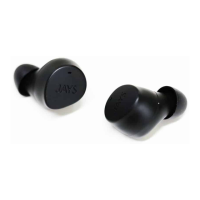
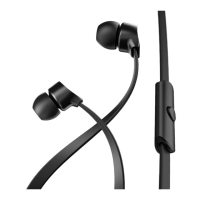
Changing the sleeves
The sleeves can be removed by carefully sliding them off the
earphones. When replacing, check that the sleeves’ rubber
notches are securely fastened in the locking groove.
Cleaning the mesh lter of the sound tube
If the mesh lter on the front of the sound tube shows signs of
clogging, carefully use a needle to clean it.


 To Next Page