10
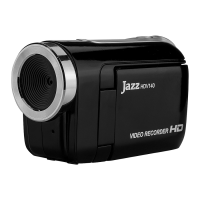
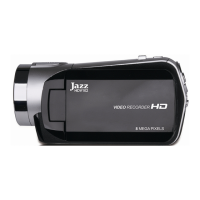
Buttons and Function Indicators
Buttons/Indicator Function
Power Button Press to turn the video recorder ON and OFF
Recording Button Press to Start / Stop Video Recording
Shutter Button Press to take Still photo
Zoom Button Tilt Left or Right to “zoom” the scene as desired
MENU Button Press to enter MENU setting and press again to exit
Playback Button
Press to enter the Playback mode. Press again returning to the
recording mode.
UP Button Browse UP and select MENU options
Down Button
Browse DOWN and select MENU options
Activate the “thumb-size” images review in the Playback
mode
Left Button
Select sub-MENU options. Scroll and select file containing
recorded video clips and still pictures when the Playback
mode has been selected.
Right Button
Press to select 10 Self-timer option. Select sub-MENU
options.
Scroll and select file of your records, video clips and still
pictures when the Playback mode is selected.
LED Support Light
Button
Press LED Support light Button to turn the light ON
Press this button again to turn the light OFF.


 To Next Page