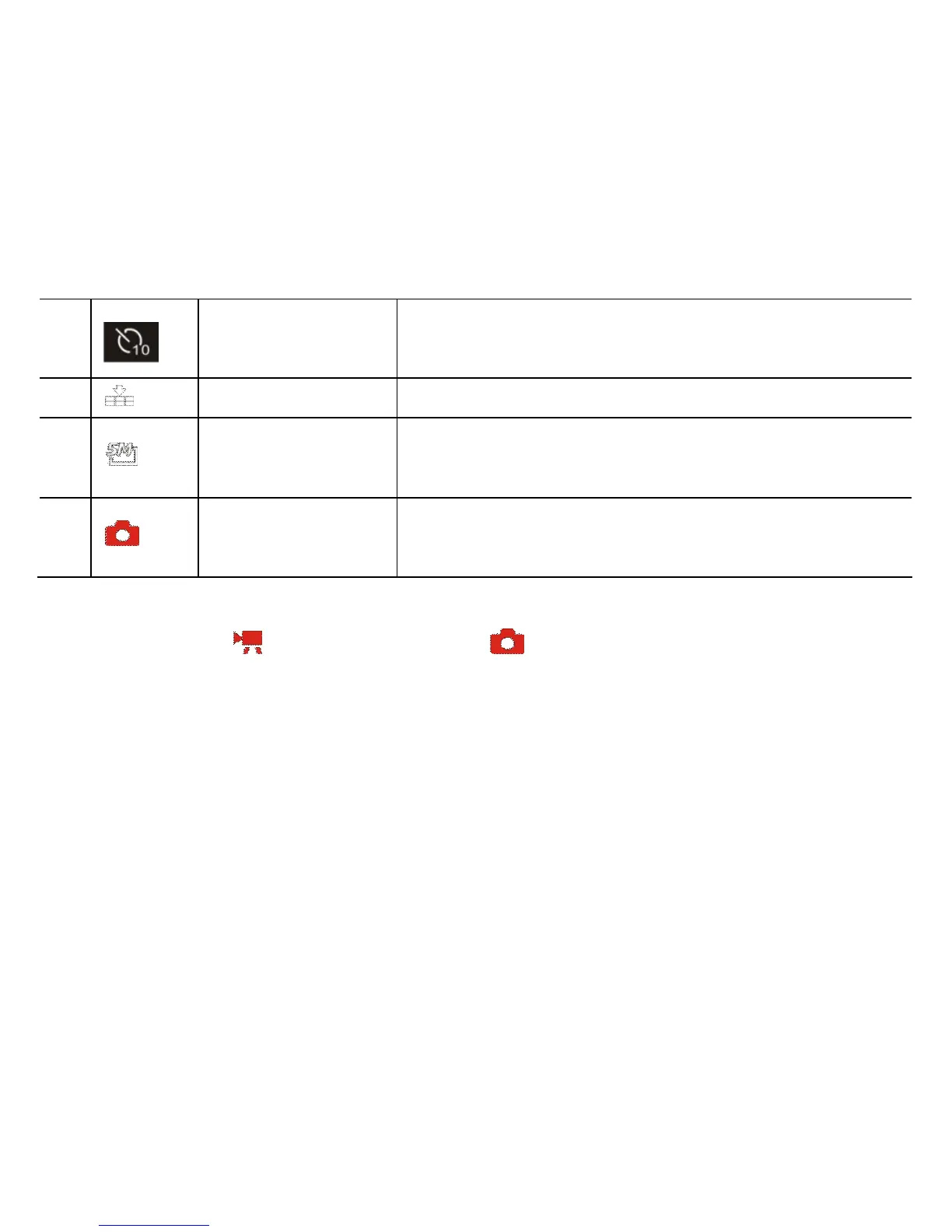
Image quality Indicates current selected still photo quality
1
4
Image Size Indicates current resolution of still photo
1
5
Photo taking
mode
Recorder is ready for taking still photo
◆ Video Recording / Camera (Still Photos) available setting
When the recorder is active and ready for Video Recording or taking Still Photo you are able to
change setting as desired.
1. Press the MENU Button to enter available settings; use UP/ DOWN Buttons to select
MENU options and press RIGHT Button to enter the submenu options.
2. Press DOWN / UP Buttons to scroll sub-MENU options, select and press OK Button
to confirm setting.
3. Press the MENU Button to exit setting.
See available setting options below:


 To Next Page