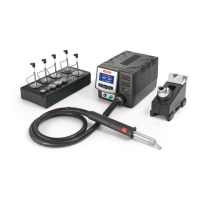
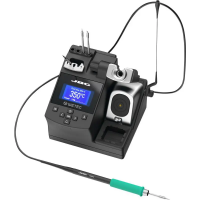
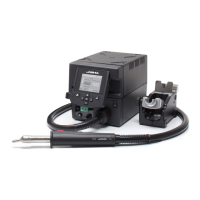
For C245 Cartridge range
The soldering iron handles for general purposes are suitable for both SMD components and jobs
with high power requirements (e.g. ground plane soldering).
Features
Soft foam (Ref. 0016057)
Non-slip soft touch
Blue grip to easily distinguish it from other handles
Insert the slide-on tabs into
the new grip.
Push the grip with the tabs
onto the handle.
To remove the tabs, hold the
grip and pull them out. Use a
pliers if necessary.
tabs
new grip
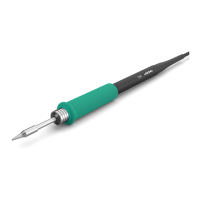
General Purpose Handle
Ref. T245-A
Note: All models are supplied with a 1.5 m cable.
Easily replace the Grips using the slide-on tabs (Ref. 0016057 and Ref. 0018658).
1. Inserting tabs 2. Inserting handle 3. Removing tabs
Blue Handle
Ref. T245-PA
Non-slip Handle
Ref. T245-B
Soft Thermal Insulator Handle
Ref. T245-C
Soft foam (Ref. 0016057)
2


 To Next Page