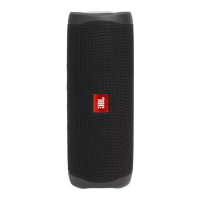
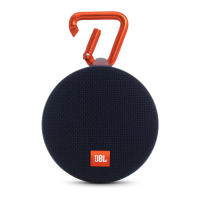
Upgrade Procedure for JBL Charge 5
Check software version
1、Turn on the unit, make sure it is working.
2、Long press Volume - and PartyBoost together, indicate version number by
voice sound from speaker.
e.g.: To indicate v1.12, the speaker will output “one, twelve” after button is pressed.
Restore factory setting
1、Turn on the machine, make sure it is working.
2、
Long press Volume + and play button.
3、After factory settings restored, DUT will powered off with power off tone playing
automatically.
Upgrade method -- OTA
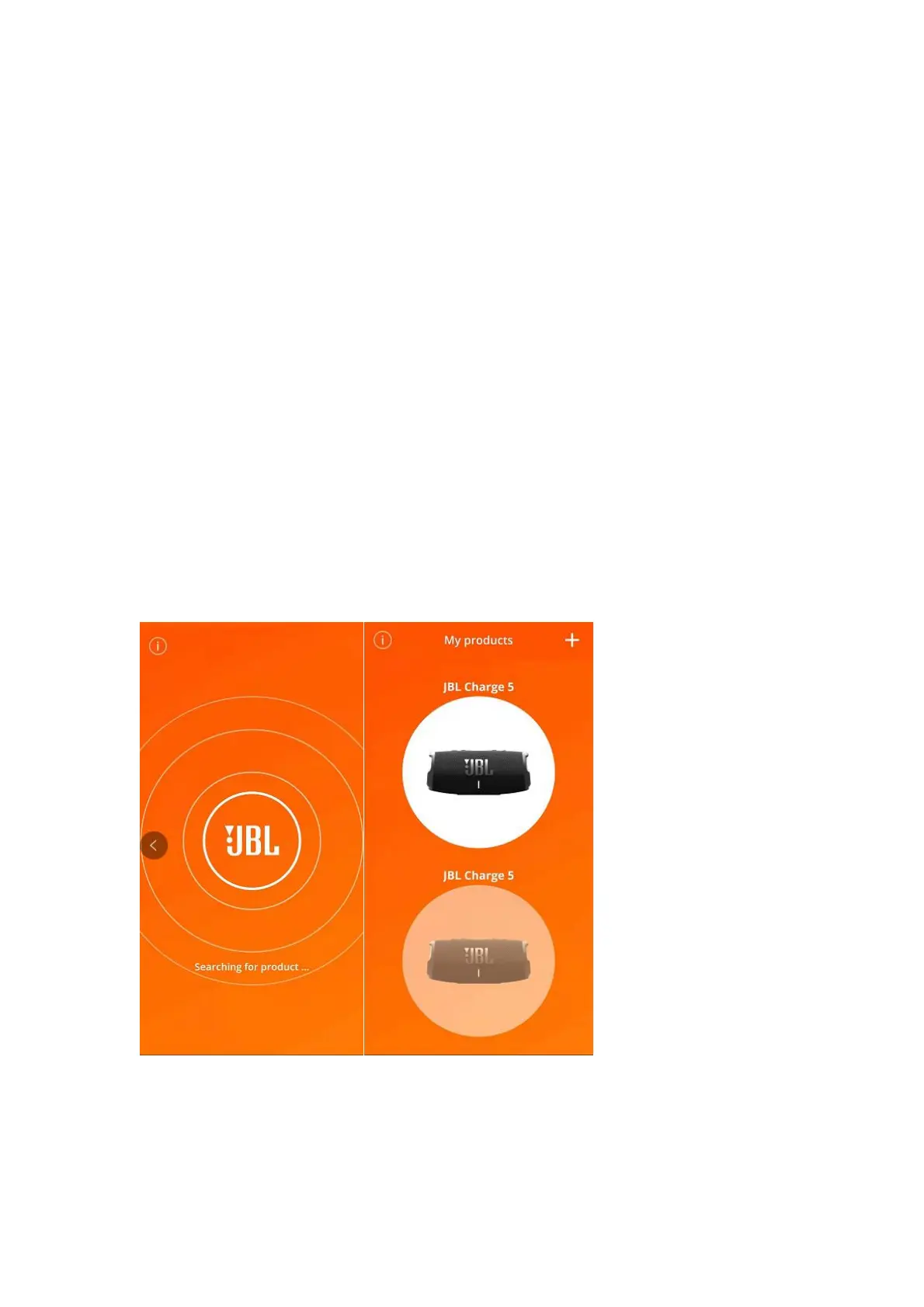
1、Download the debug app provided by Harman.
2、Turn on the machine, make sure it is working. Connect the phone and Charge5 via BT.
3、Open the app, searching, select the machine, update, then wait 15-25 minutes.



 To Next Page