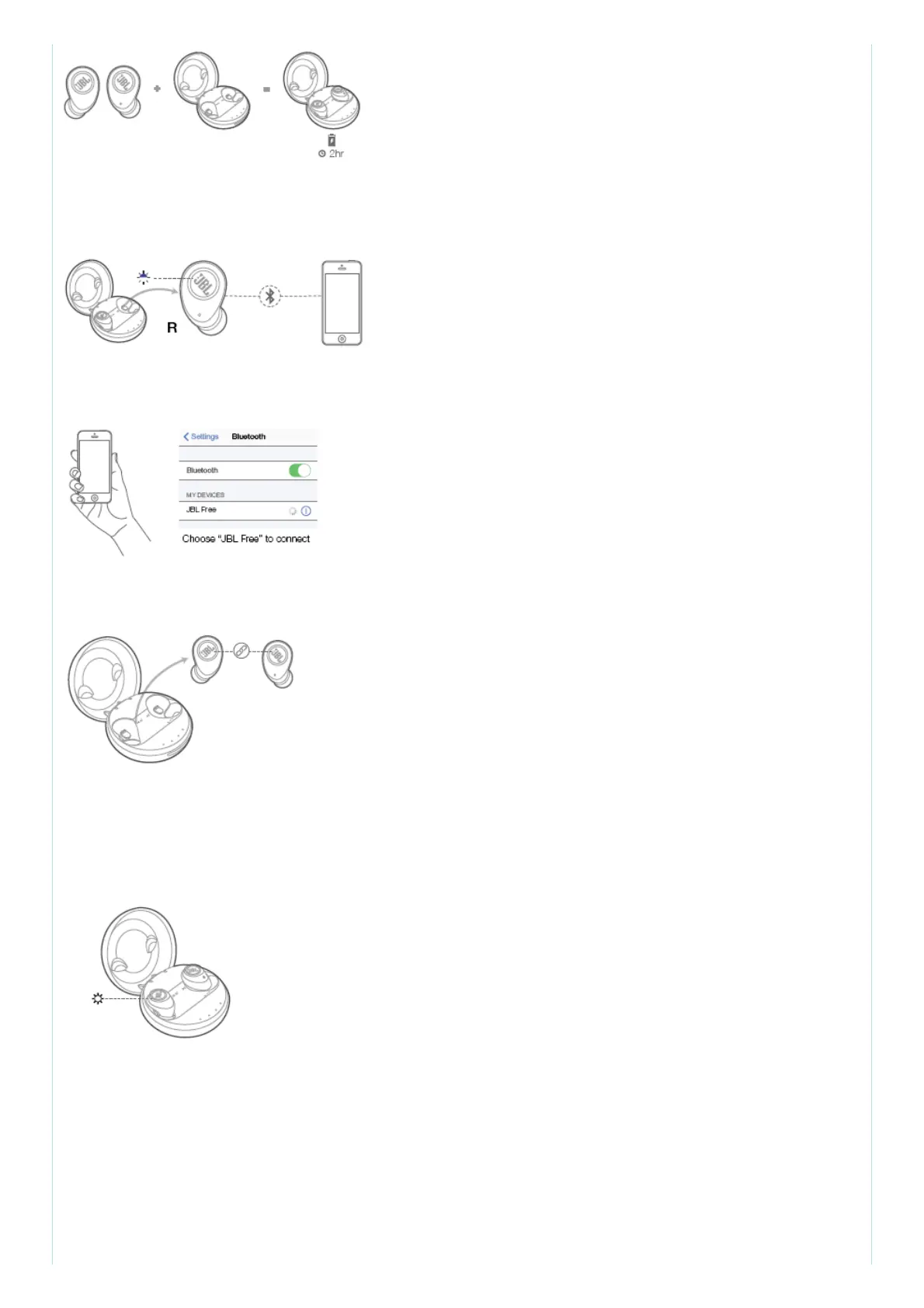
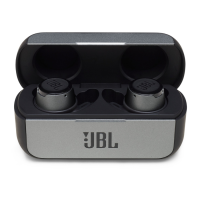
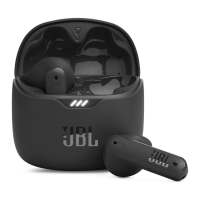
Step 2 – Remove right ear piece from case, it will turn on automatically, entering pairing mode (alt.
blue/white).
Step 3 – From device, go to Bluetooth menu.
Step 4 – Remove left ear piece from case, it will automatically connect with the right ear piece.
b. From second time onwards: Wireless connections are automatically established when the
headphones are taken out of the case.
c. Ear pieces automatically power off and recharge when put in the charging case.
* To turn on ear pieces manually, long press the button on ear piece for 5s.
4. a. Buttons



 To Next Page