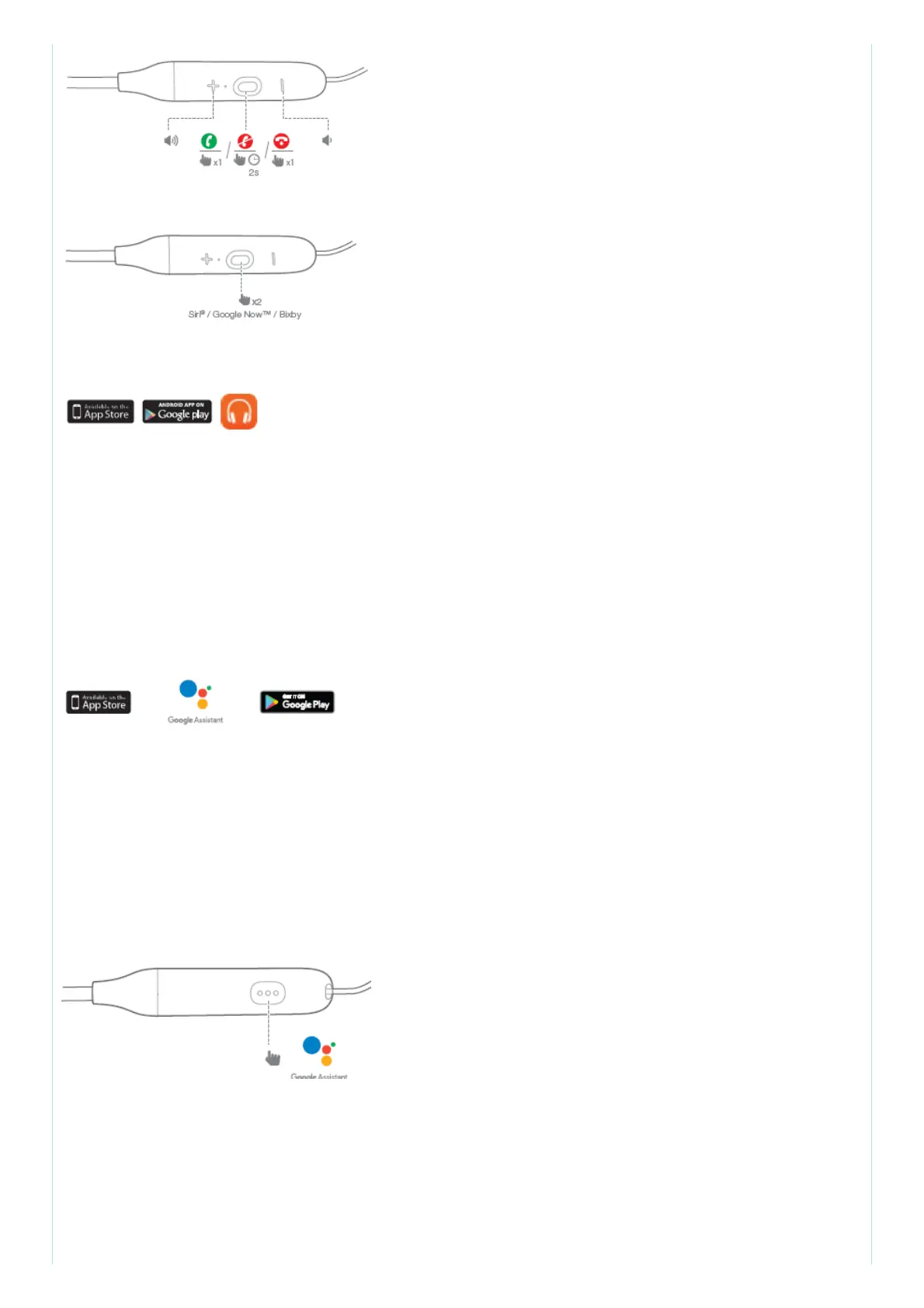
7. Voice Assistant
8. Download My JBL Headphones APP
Get even more control and personalization of your listening experience with this free App.
9. The Google Assistant
a. To set up the Google Assistant
1. Connect your headphones to your mobile device
2. Set up your Google Assistant using your mobile device:
On your Android™ device, press and hold the home button to open the Google Assistant and follow
the on-screen instructions.
On your iOS devices, open or download the Google Assistant app and
follow the app instructions.
Note: The Google Assistant is available on eligible Android™ 6.0 devices* or later.
For iOS devices, the Google Assistant app needs to be downloaded. Works on Lollipop, Marshmallow
and Nougat Android™ Phones with Google Play™ Services, >1.5GB of memory and 720p or higher
screen resolution.
For more information on what your Google Assistant can do, visit:
https://assistant.google.com/platforms/headphones
b. To use your Google Assistant
Function & What to do
Talk to your Google Assistant : Press and hold the Action button to begin. Requires pairing with
eligible phone and internet connection. For examples of questions and things you can do,visit:
https://assistant.google.com/platforms/headphones
Get your notifications: Press the Action button.
Stop your Google Assistant: Double press the Action button.



 To Next Page