3
Wi-Fi Setup
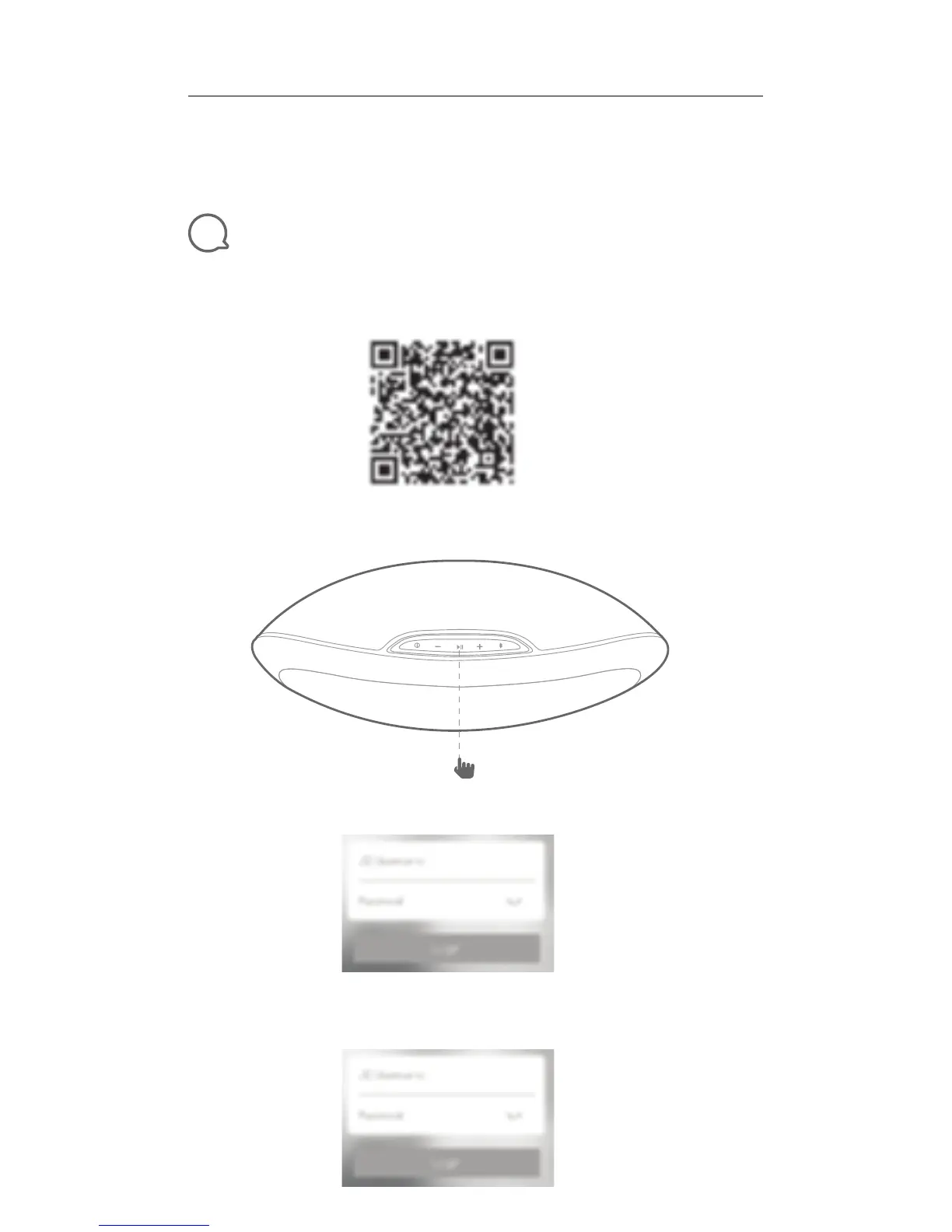
Step 1: Download the JBL Wireless Setup app., scan QR code needed for both iOS App
Store and Google Play Store downloading
Step 2: Power on the speaker, then press and hold the “Play” to enter Wi-Fi
Step 3: Find Stream in the app, and follow the guide
Step 4: Select network and input password, till the indication of Wi-Fi
connected shown
Quick Start Guide
Guide de démarrage rapide
PLAYLIST 150


 To Next Page