EasyManua.ls Logo

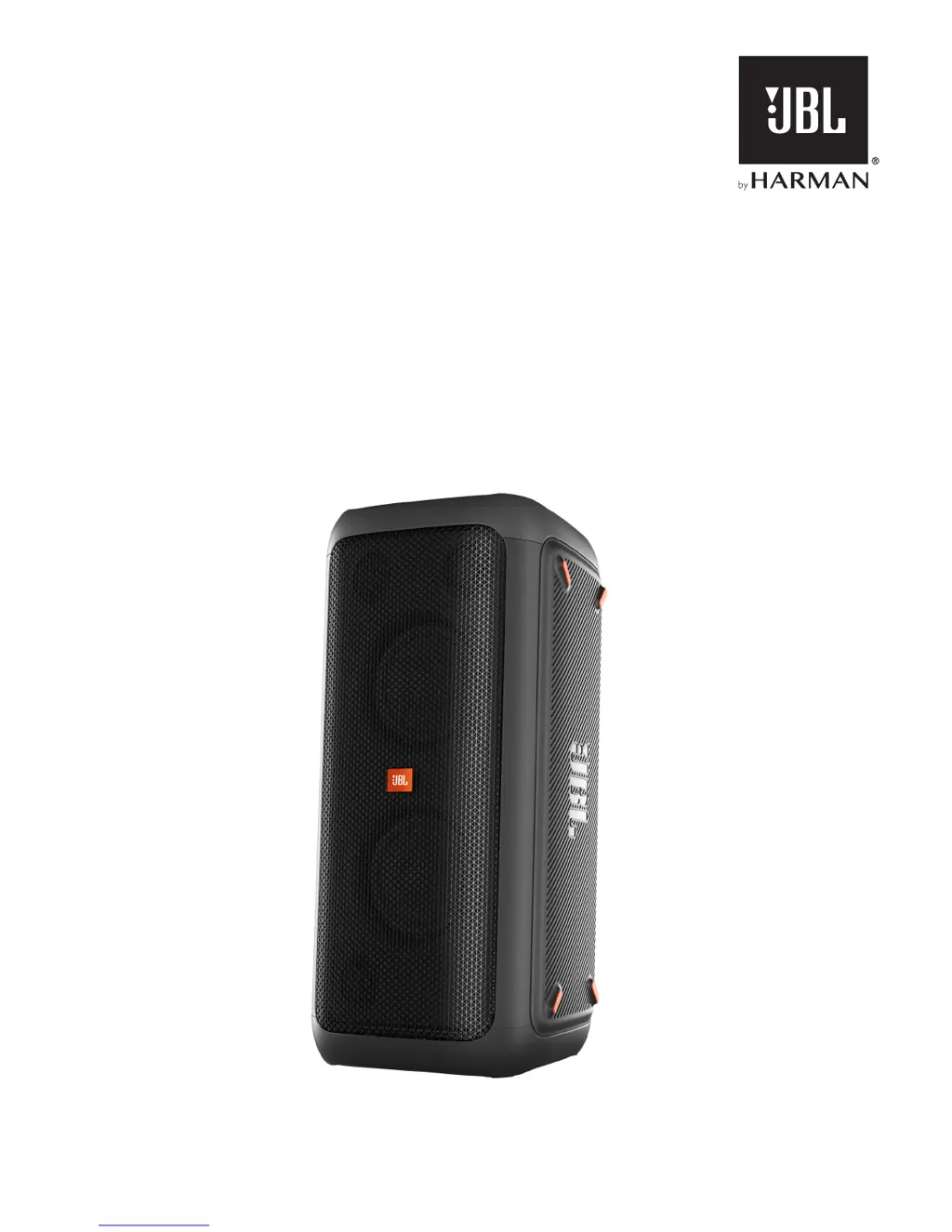
JBL PARTYBOX 200 - User Manual

JBL PARTYBOX 200
15 pages
Print Icon
To Next Page IconTo Next Page
Loading...
PARTYBOX 200 |
PARTYBOX 300
OWNER’S MANUAL

Other manuals for JBL PARTYBOX 200

Questions and Answers

  • S
    Sarah BlevinsJul 27, 2025
    What to do if there is no sound from my JBL Speakers PartyBox?
    • M
      Max YoungJul 28, 2025
      If your JBL PartyBox isn't producing any sound, first ensure that the PartyBox is powered on and the volume is at an audible level. Also, verify that the PartyBox is connected to a music source.
  • A
    April MyersAug 6, 2025
    How to fix JBL PARTYBOX 200 PartyBox that will not turn on?
    • M
      Mrs. Taylor CollinsAug 6, 2025
      If your JBL Speakers PartyBox won't turn on, check that the power cord is properly plugged into both the outlet and the PartyBox. For the PartyBox 300, ensure the speaker is fully charged; if not, use the power cord to turn it on.
  • J
    Jesse StephensonAug 16, 2025
    Why is the audio quality so poor from my Bluetooth device connected to my JBL PARTYBOX 200 PartyBox?
    • K
      Kaitlin HurstAug 16, 2025
      If your Bluetooth device's audio quality is poor when connected to the JBL PartyBox, the Bluetooth reception may be weak. Try moving your device closer to the PartyBox or removing any obstacles between them.

Summary

Important Safety Instructions

Powering On and Charging

5. Power On

Instructions on how to power on the PartyBox speaker.

6. Charging (PartyBox 300 Only)

Information and steps for charging the PartyBox 300's battery.

6.1 Charge your Speaker

Specific instructions on charging the PartyBox 300 via AC power.

Using Your PartyBox

7.1 Bluetooth Connection

Step-by-step guide to connect a Bluetooth device to the speaker.

7.2 USB Connection

Instructions for playing music from a USB storage device.

7.3 AUX Connection

How to connect and play audio from a portable device via AUX input.

7.4 INPUT Connection

Guide to connecting analog audio sources using RCA cables.

7.5 Mix Sound with a Microphone or Guitar

How to mix microphone or guitar audio with a sound source.

Troubleshooting and Compliance

11. Troubleshootings

Common issues and solutions for system, sound, and Bluetooth connectivity.

JBL PARTYBOX 200 Specifications

General IconGeneral
WooferYes
Woofer diameter165.1 mm
Tweeter diameter57.15 mm
Number of speakers2
Audio output channels- channels
Frequency range45 - 20000 Hz
RMS rated power- W
Wi-FiNo
USB 2.0 ports quantity1
Connectivity technologyWired & Wireless
Product typeStereo portable speaker
Product colorBlack
Product designCylinder
Recommended usageUniversal
DC input voltage12 V
Power source typeAC, DC
AC adapter input voltage100 - 240 V
Package depth396 mm
Package width388 mm
Package height823 mm
Package weight17750 g
Weight and Dimensions IconWeight and Dimensions
Depth320 mm
Width310 mm
Height690 mm
Weight15320 g

Related product manuals