8
4. PLACEMENT
Notes:
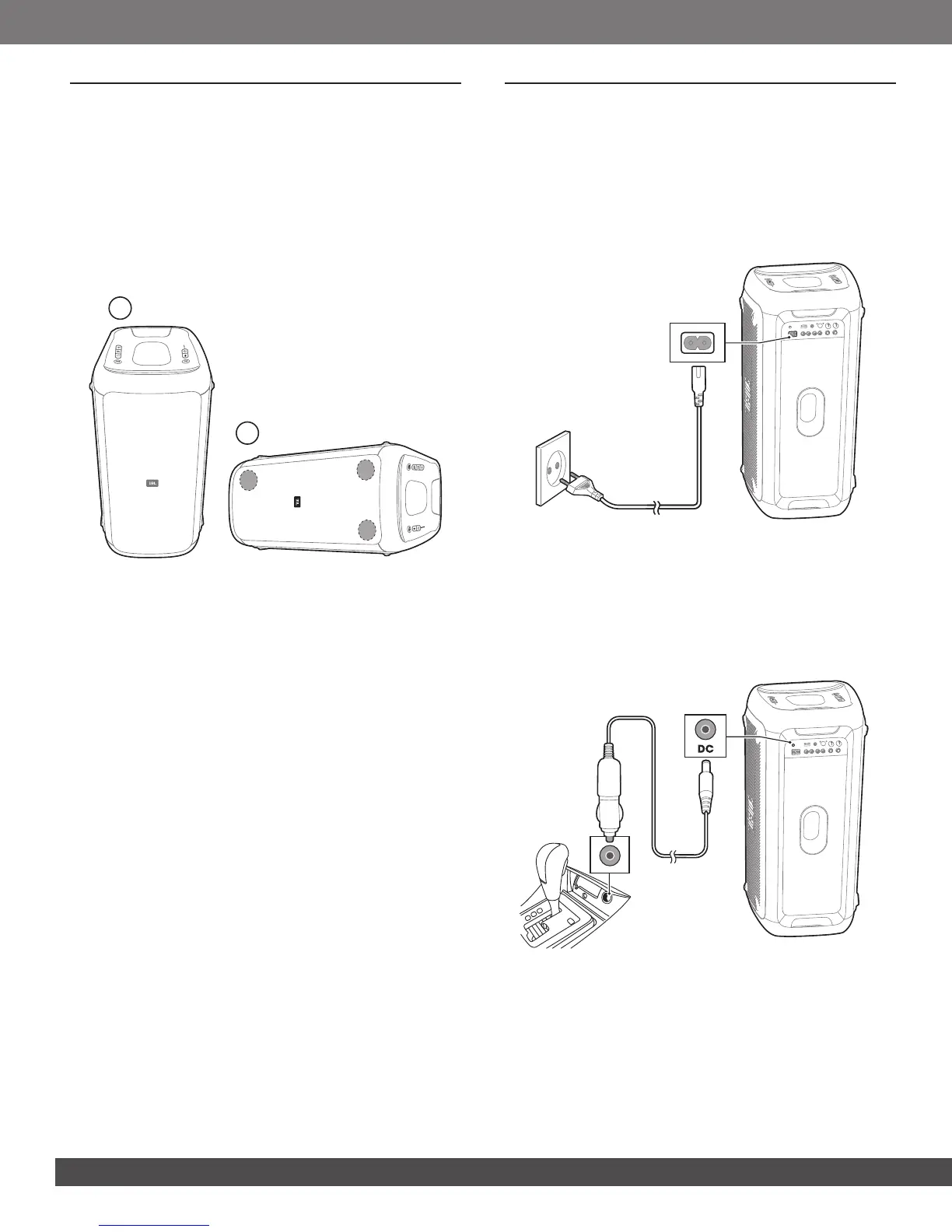
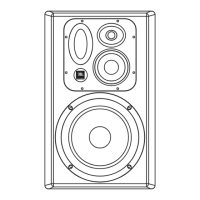
– For best quality sound, ensure the two tweeters are placed on the
upper side of the speaker box.
– Do not sit on the speaker or push it. Otherwise, it may result in
malfunction and causing personal injury and /or property damage.
Place the speaker on a at, stable surface and make sure that the
rubber feet side is down. You can place the speaker vertically or
horizontally. It automatically optimizes sound to adapt to placing
orientation.
a
b
Vertical Horizontal
5. POWER ON
Cautions:
– Use only provided power cord.
– For PartyBox 300, either AC/DC POWER or built-in battery can be
used as a power supply.
1. Plug one end of the AC POWER cord into the POWER
connector on the back of the speaker, then plug the other
end to a wall outlet.
2. Connect the car charger to the DC POWER jack of the
speaker, and then to your vehicle’s car charger outlet.



 To Next Page