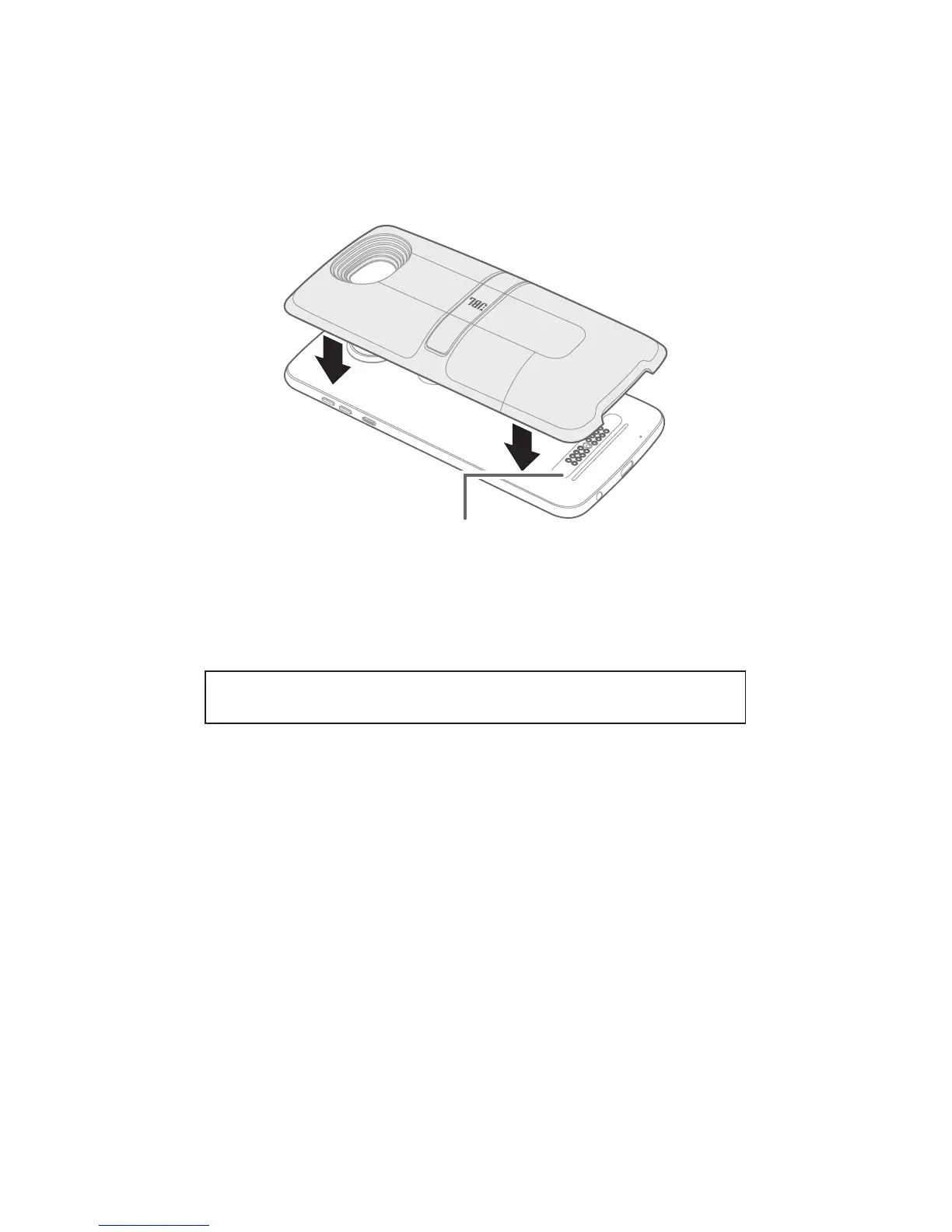
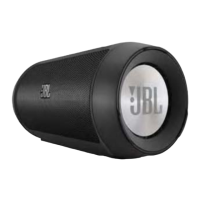
Attach your Moto Mod™
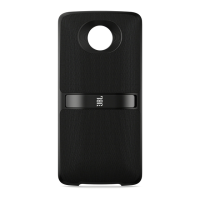
Align the camera lens on the back of your phone with the
speaker, and then align the sides and bottom of the phone with
the speaker until they snap together.
Note: Make sure the connectors are clean and dry. Also, remove
your phone case if you use one.
Moto Mods
Connectors
Caution: Before using your device, please read the safety,
regulatory, and legal information at the back of this guide.
Compatibility Requirements: Moto Z Phone with Moto Mods
Platform 1.0 or later
Quick setup
When you attach the speaker, your phone automatically guides
you through setup. Follow the on-screen instructions to get
started.
Play media
Once your speaker is attached, begin using your phone as usual
to play music or watch videos. Media will automatically play
through the JBL SoundBoost 2 speaker when attached to the
phone.
Adjust volume
To change the volume for your speaker, use your phone’s
volume controls.


 To Next Page