7
Using OSD Functions
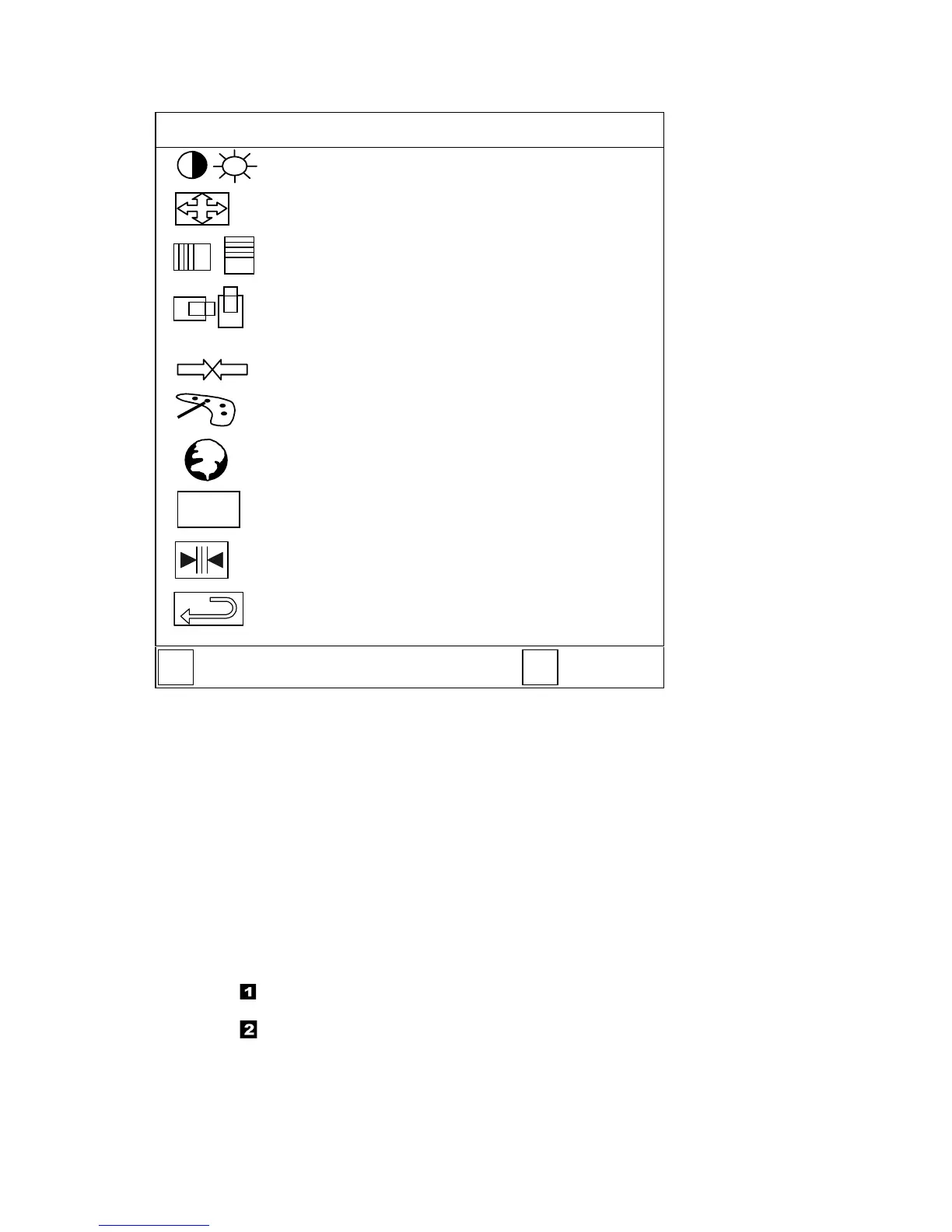
MAIN MENU(example)
48.3KHz/60.0Hz 1024
✕
✕✕
✕
768
Contrast / Brightness
Auto Adjust
Phase/ Clock
H. Position / V. Position
Sharpness
Color Adjustment
Language
OSD Function
Text Mode
Memory Recall
OS
D
:
EXIT
:SELECT
1 2
Auto Adjust:
Auto adjust horizontal position ,clock, vertical position and phase.
H. Position:
To adjust the horizontal position of the video.
V. Position:
To adjust the vertical position of the video.
Brightness:
To adjust the back-light current.
Contrast:
To adjust the contrast of the video.
Phase:
To adjust the delay time between horizontal synchronous signal and video.
Clock:
To adjust video display horizontal pixels clock.
Sharpness:
To select interpolation mode exclude 1024
×
768 timing.(Sharp or smooth)
OSD Function:
To select OSD position and transparence.
Color Adjustment:
To select color temperature 9300 6500 and user Settings.
Text Mode:
To select 720
×
400 or 640
×
400.
Language:
Five language to selection. (ENGLISH, FRENCH, GERMAN, ITALIAN, SPANISH)
Memory Recall:
To revert adjustment of screen function before save.
1.
Press “ ”button OSD to be turned off.
2.
Press”
” or “
button to scroll up/down.
3.
Press “
” button go into selected function OSD to the
sub-menu.


 To Next Page
 Loading...