Tap “Add Now “ or tap the top right “ +” icon to add your device,
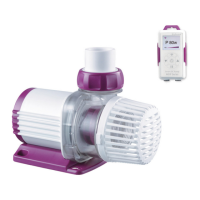
tap the “Aqua Pump” Icon.
Configuration mode:
Make sure your phone is connected to 2.4G band Wi-Fi before
configuration.There are two configuration modes,Smart
configuration and AP configuration modes. Choose one mode to
link your device.
①
Smart Configuration mode
:
Press the Wi-Fi button for
5 seconds until the Wi-Fi indication light starts blinking alternately
in green and red. The Device is in smart configuration mode.


 To Next Page