Tap Start to control the device after the device has been added
successfully.
Remarks:
!"!You may be asked to restart configuration process again if the
Wi-Fi password is input incorrect.
#"! Try to put the device, mobile phone and router are placed as
close as possible.
$"!The indicator light keep in Green after connecting the Wi-Fi
successfully
5.3 Pump control:
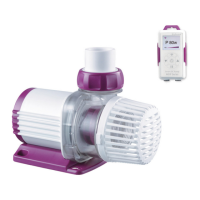
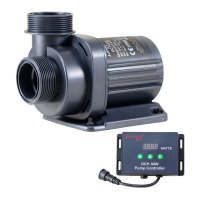
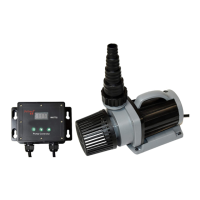
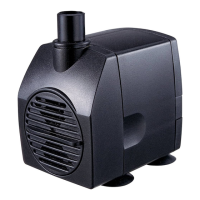
After adding the pump device successfully, long press the pump
icon for 2 seconds to enter the pump control page.
Manual mode: click or drag the arc progress bar (drag to the
end then effective), Change the flow value of the pump. The
minimum stage is 30 and the maximum is 100.


 To Next Page