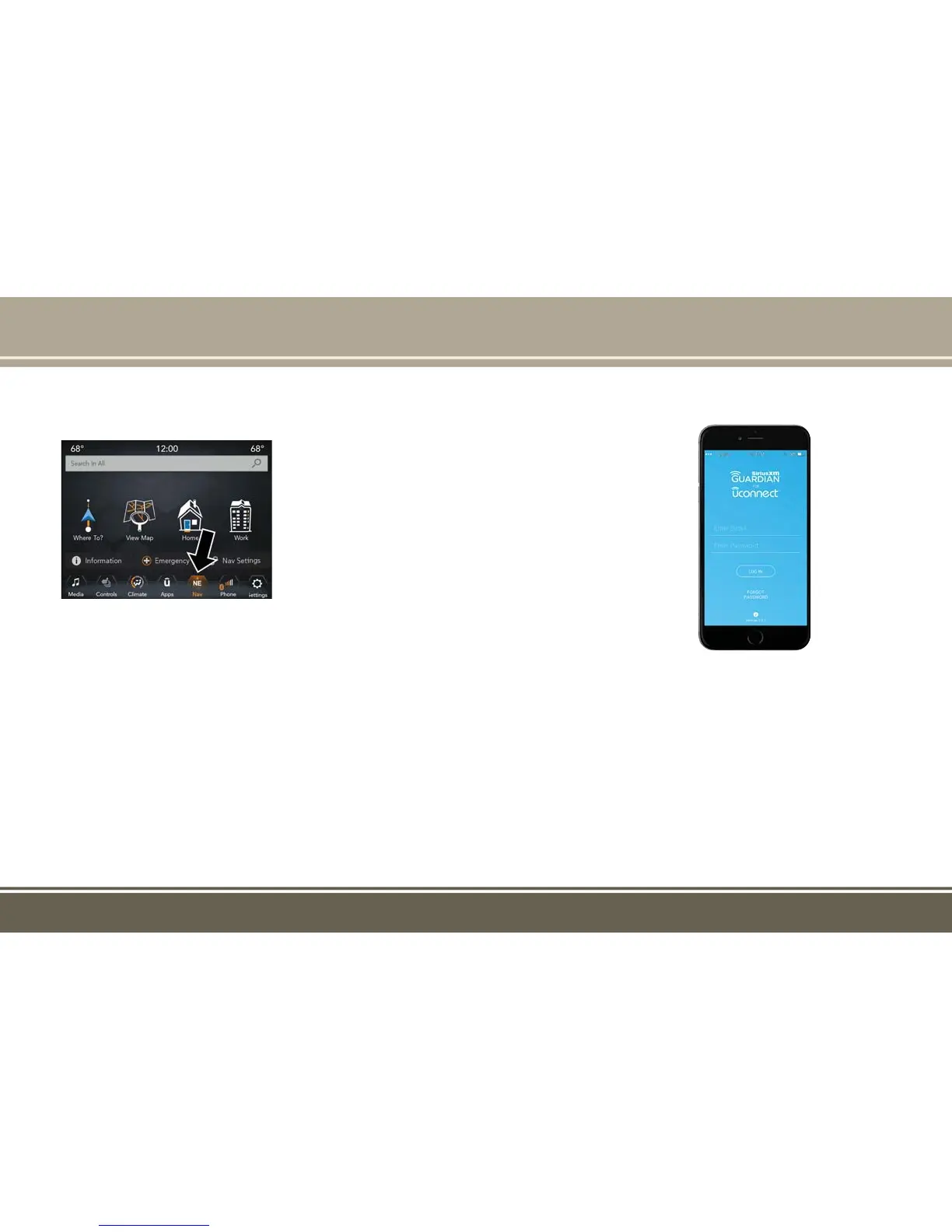
Uconnect 8.4/8.4 NAV
• 8.4” Full Color Touchscreen Display
• Navigation on the bottom bar menu (if
equipped)
• Bluetooth Connectivity/Bluetooth Streaming
Audio
Refer to the Uconnect Owner’s Manual Supple-
ment or the Uconnect Voice Recognition Tip
Card for further information about the
Uconnect Systems.
Activation
To unlock the full potential of SiriusXM Guard-
ian in your vehicle, you must activate your
SiriusXM Guardian services.
1. Press the Apps icon on the bottom of your
in-vehicle touchscreen.
2. Select the Activate Services icon from your
list of apps.
3. Select “Customer Care” to speak with a
SiriusXM Guardian Customer Care agent
who will activate services in your vehicle, or
select “Enter Email” to activate on the web.
Once you have activated your services, you’re
only a few steps away from using remote com-
mands.
To use the SiriusXM Guardian app:
• Once you have activated your SiriusXM
Guardian services, download the SiriusXM
Guardian app to your mobile device. Use
your Owner Account login and password to
open the app.
Uconnect 8.4/8.4 NAV
Mobile App
SIRIUSXM GUARDIAN — IF
EQUIPPED













 To Next Page