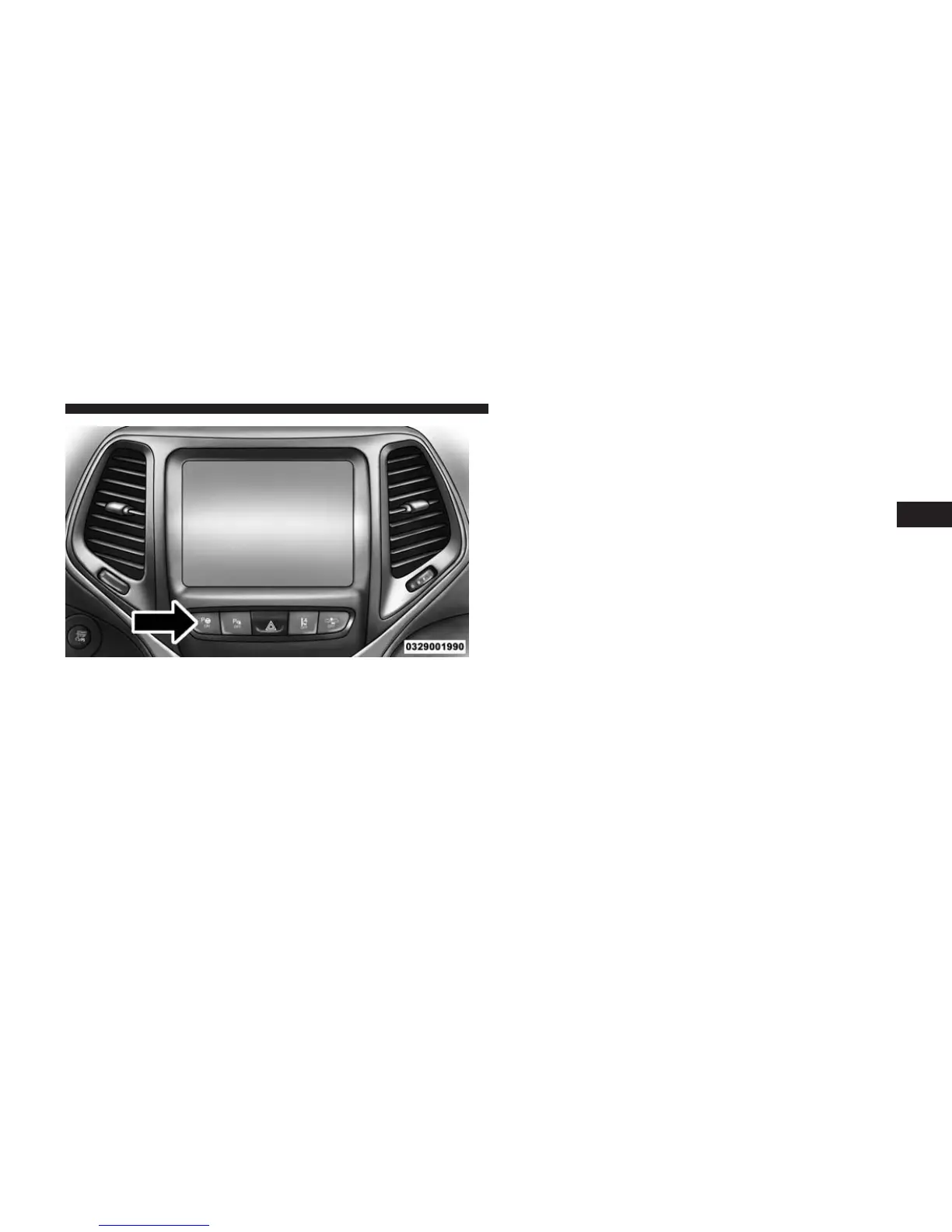
To enable the ParkSense® Active Park Assist system,
press the ParkSense® Active Park Assist switch once
(LED turns on).
To disable the ParkSense® Active Park Assist system,
press the ParkSense® Active Park Assist switch again
(LED turns off).
The ParkSense® Active Park Assist system will turn off
automatically for any of the following conditions:
• The parking maneuver is completed.
• Vehicle speed greater than 18 mph (30 km/h) when
searching for a parking space.
• Vehicle speed greater than 5 mph (7 km/h) during
active steering guidance into the parking space.
• Touching the steering wheel during active steering
guidance into the parking space.
• Pressing the ParkSense® Front and Rear Park Assist
switch.
• Driver’s door is opened.
• Rear liftgate is opened.
• Electronic Stability Control/Anti-lock Braking System
intervention.
ParkSense® Active Park Assist Switch
3
UNDERSTANDING THE FEATURES OF YOUR VEHICLE 257

















 To Next Page