• BACK/LEFT Arrow Button
Press and release the LEFT arrow button to
access the information screens or sub-menu
screens of a main menu item.
• OK Button
Press the OK button to access/select the information
screens or sub-menu screens of a main menu item. Press
and hold the OK arrow button for one second to reset
displayed/selected features that can be reset.
Electronic Vehicle Information Center (EVIC)
Displays — 3.5” Display
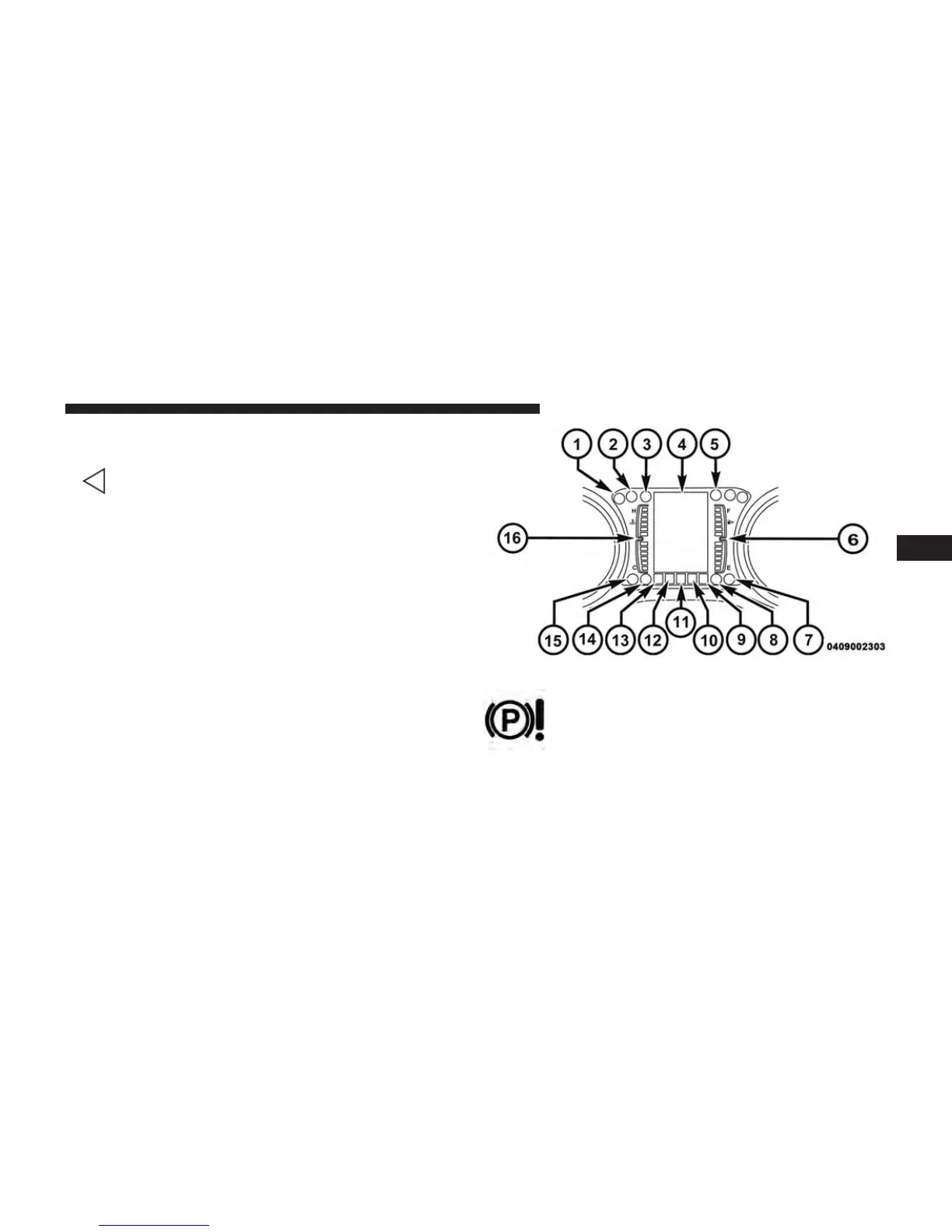
The EVIC displays are located in the center portion of the
cluster and consists of eight sections:
1. Electronic Park Brake Failure — If Equipped
This telltale indicates that there is an Electronic
Park Brake Fault. Please see your authorized
dealer for assistance.
4
UNDERSTANDING YOUR INSTRUMENT PANEL 333
















 To Next Page