Media
Uconnect offers connections via USB, Bluetooth
and auxiliary ports (If Equipped). Voice opera-
tion is only available for connected USB and
AUX devices. (Remote CD player optional and
not available on all vehicles.)
Push the VR button . After the beep, say one of
the following commands and follow the prompts
to switch your media source or choose an artist.
• “Change source to Bluetooth”
• “Change source to AUX”
• “Change source to USB”
• “Play artist Beethoven”; “Play album Great-
est Hits”; “Play song Moonlight Sonata”;
“Play genre Classical”
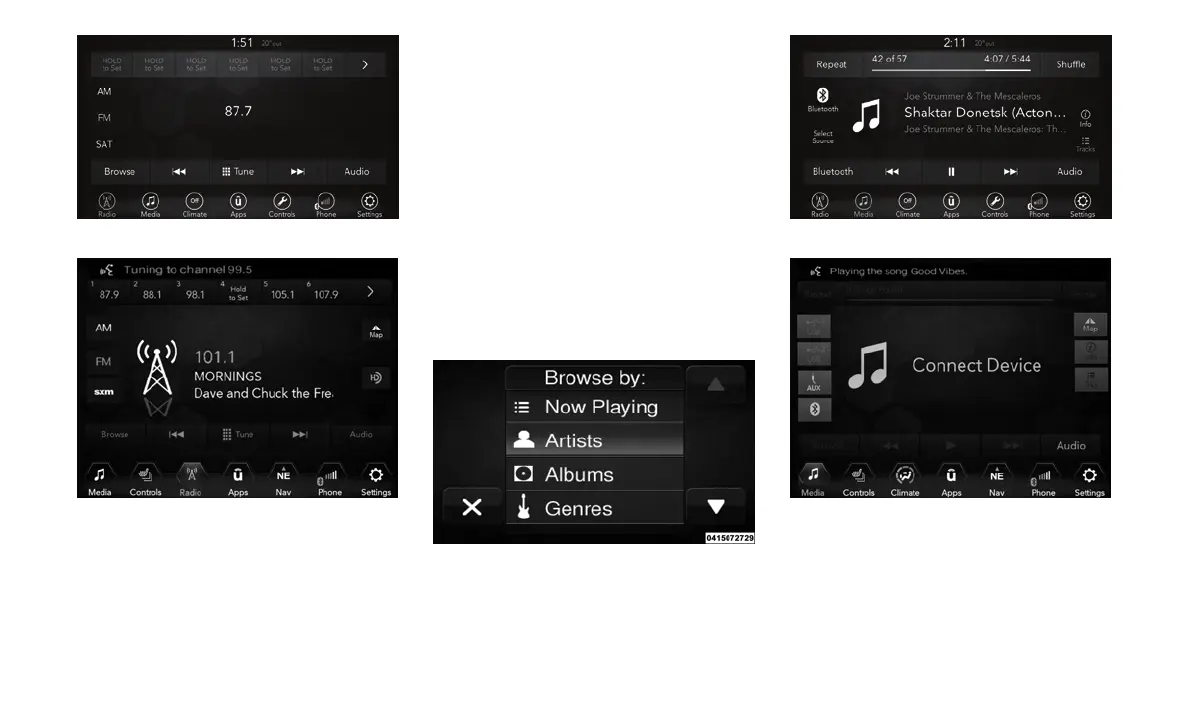
TIP: Press the Browse button on the touch-
screen to see all of the music on your USB
device. Your Voice Command must match ex-
actly how the artist, album, song and genre
information is displayed.
Uconnect 4 Radio
Uconnect 4/4C NAV Radio
Uconnect 3 Media
Uconnect 4 Media
Uconnect 4/4C NAV Media
319















 To Next Page