9
How do I reset AL2000 to factory default settings?
If you want to setup the AL20000 for a different network or have any problem with it, you can
reset it back to factory default settings by following this four steps.
1. Plug the AL2000 into to power outlet, switch it on and wait 20 seconds.
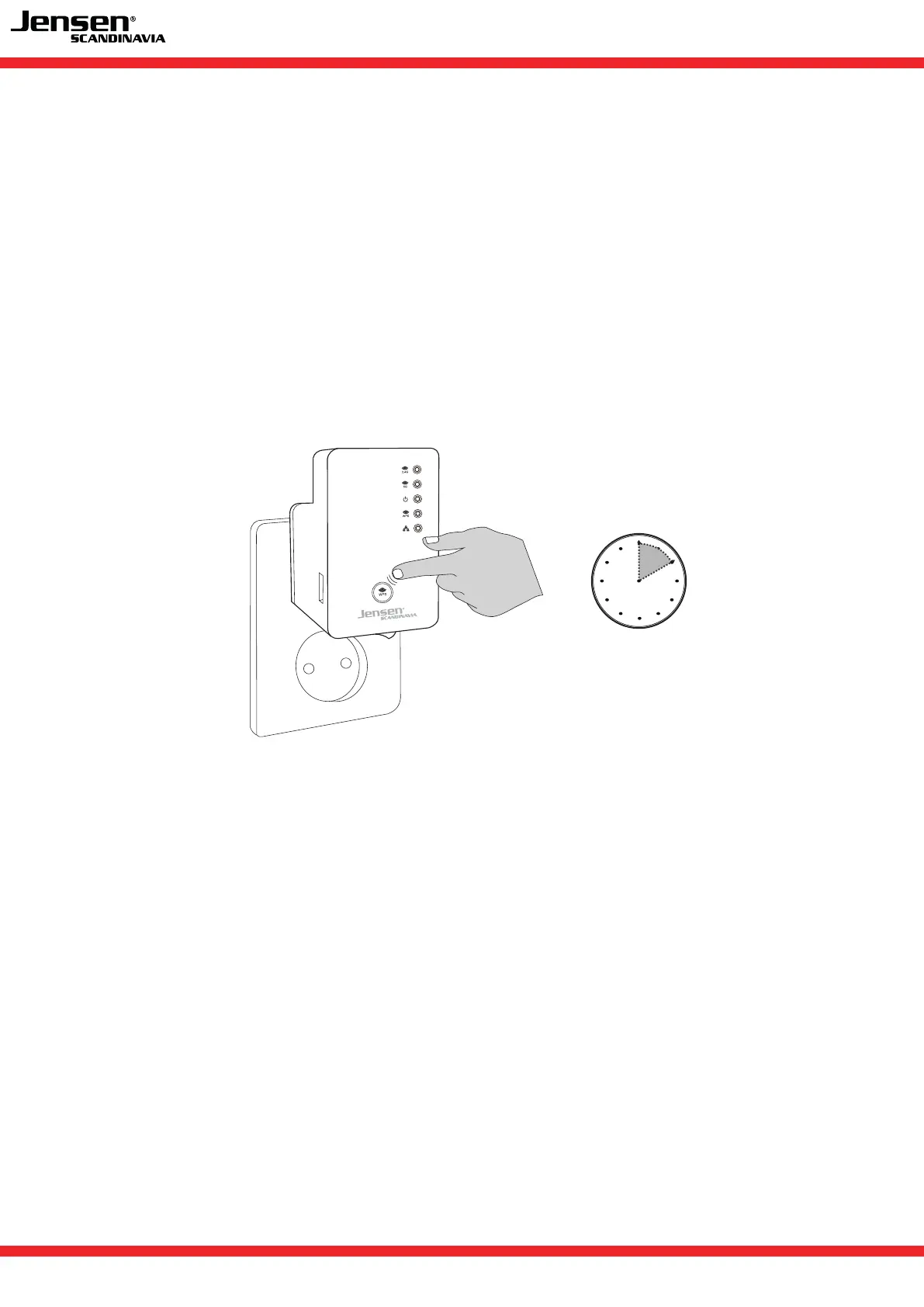
2. Press and hold the WPS button for 10 seconds.
3. The WPS LED will start flashing when the reset sequence are enabled.
4. Wait 30 seconds before you switch it off or start a new setup.
Please see page 3 for instructions for how to setup AL2000.
10 seconds
FAQ - frequently asked questions
FAQ - frequently asked questions


 To Next Page