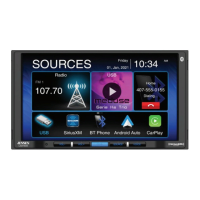
VM9213/VM9223/VM9313/VM9413/VM9423 Head Units
1. Press the SRC button to access the Source Menu.
2. Select the Bluetooth source (BT).
3. Press the Bluetooth Connect Icon ( ) to begin the pairing process.
4. Make sure Bluetooth is enabled on your phone and search for new devices.
5. Select your head unit model number from the device list.
6. The password for pairing is "1234". During the pairing process, the head unit
model number appears on your mobile phone.
For all other compatible head units, please see the Owner's Manual that came
with your radio for pairing instructions.
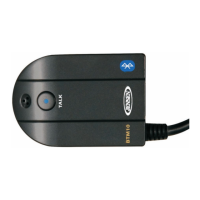
Pairing your Phone to the BTM10
PAGE 3


 To Next Page