29
How to use the Auto PC
28
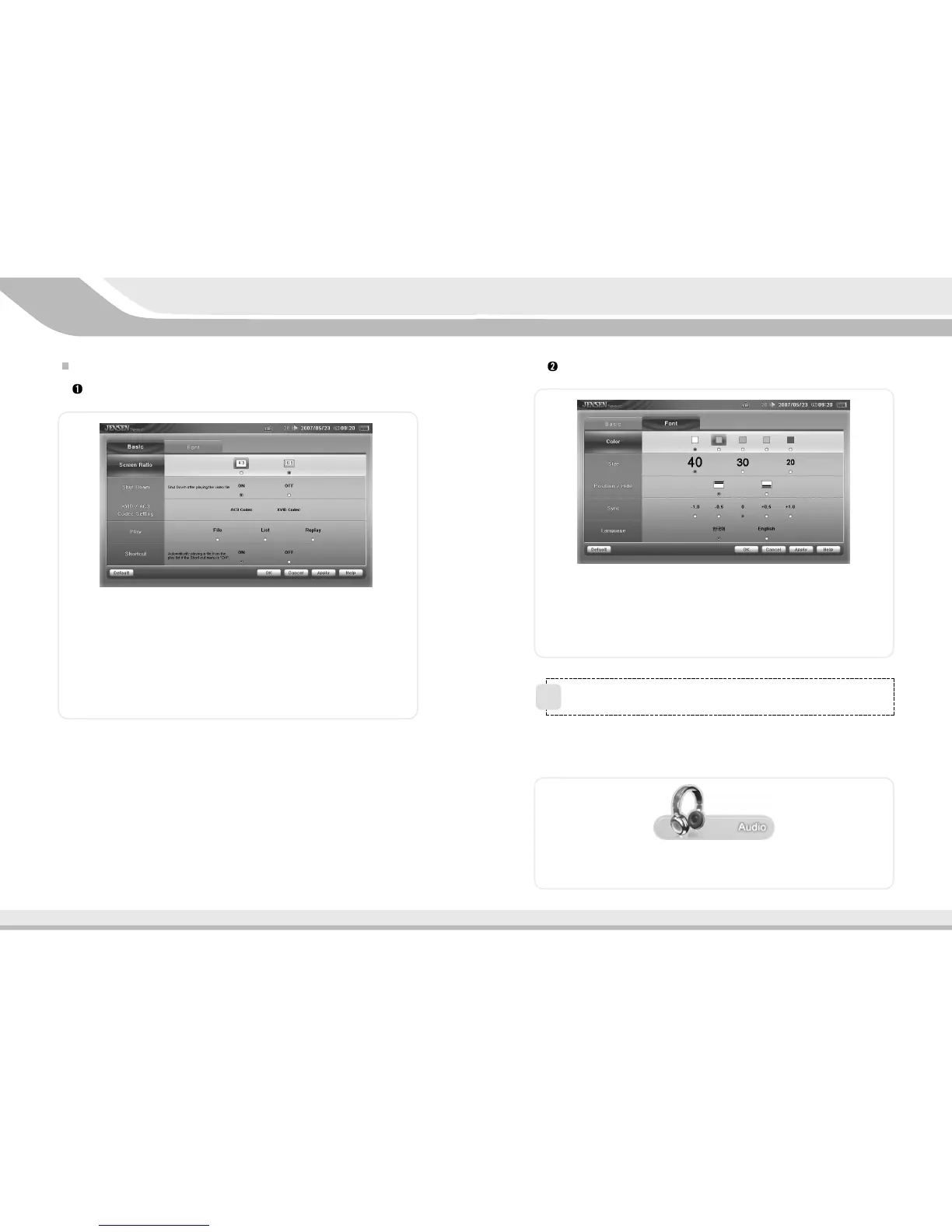
Caption Settings
1. Color : Set the caption’s color.
2. Size : Set the words’ size.
3. Position : Set the caption’s position.
4. Sync : Change if video does not match Audio.
5. Language : Set the caption’s language.
4.7
Using Audio Player
Double-click the icon as shown above and click the image in the center to
process.
You can not process DMB, Video, MP3 Player simultaneously.
!
Video Player Setting Screen
Basic Setting
1. Screen Size : Set the screen size to big/full size.
2. Shut down after play : Set if the system will automatically shut down
after playing.
3. Brightness Setting : Set the XVID codec video.
4. Play : Set the play style to file, list, repeat.
5. Quick Play : Set whether to load the help screen when selecting quick
play.



 To Next Page