EasyManua.ls Logo

Jensen SCR-75 - User Manual

Jensen SCR-75
8 pages
Print Icon
To Next Page IconTo Next Page
Loading...
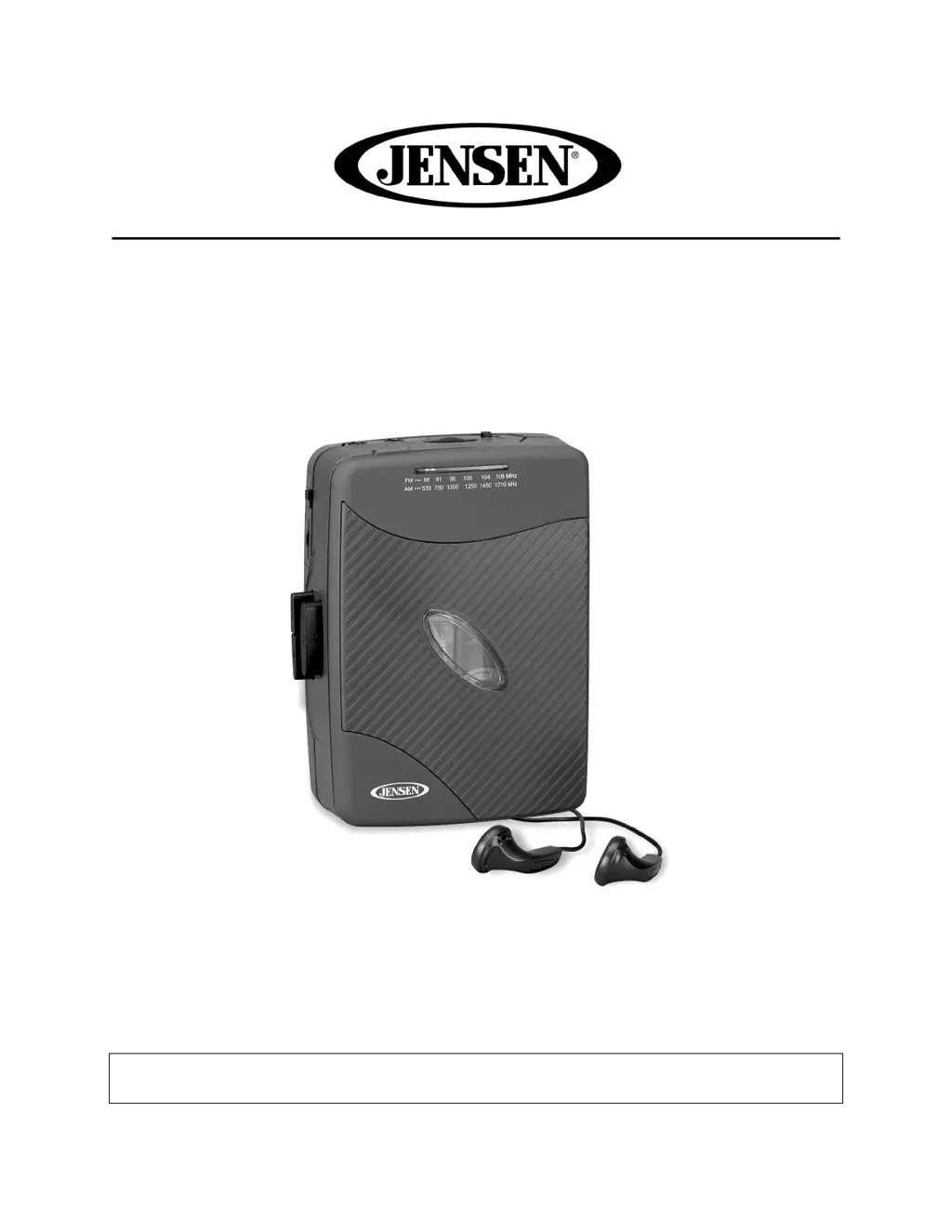
STEREO CASSETTE PLAYER WITH AM/FM RADIO
MODEL: SCR-75
USER MANUAL
PLEASE READ THIS USER MANUAL COMPLETELY BEFORE OPERATING
THIS UNIT AND RETAIN THIS BOOKLET FOR FUTURE REFERENCE

Questions and Answers

  • M
    Melissa LinJul 27, 2025
    Why is there no sound from my Jensen SCR-75 MP3 Player?
    • S
      Sandra GarciaJul 27, 2025
      If your Jensen MP3 Player has no sound, it might be due to low or no power. Try replacing all the batteries with new ones. Also, check the volume level; if it's set at the minimum, increase it.
  • E
    Elaine VazquezJul 31, 2025
    What to do if the Jensen SCR-75 radio has no sound?
    • D
      Danielle LewisJul 31, 2025
      If your Jensen MP3 Player in radio mode produces no sound, ensure that the unit is actually in Radio mode. If it is, try retuning the station again, as the station might be weak.
  • J
    John RichardsonAug 4, 2025
    Why does my Jensen MP3 Player sound distorted at high volume?
    • J
      Jacob BrooksAug 4, 2025
      If the sound from your Jensen MP3 Player becomes distorted at a high volume setting, it's likely that the volume control is set too high. Adjust the volume to a lower, more comfortable level.
  • S
    Sandra StephensAug 9, 2025
    What to do if my Jensen SCR-75 MP3 Player tape sound is distorted?
    • S
      sheamichaelAug 9, 2025
      If the tape sound on your Jensen MP3 Player is distorted, the issue might be a defective tape or a dirty tape head. Try replacing the tape first. If that doesn't work, clean the tape head.
  • G
    gonzalezashleyAug 13, 2025
    How to fix noise or distorted sound on FM broadcasts with Jensen SCR-75?
    • J
      Jennifer BassAug 13, 2025
      If you're experiencing noise or distorted sound on FM broadcasts with your Jensen MP3 Player, make sure the earbuds cord is fully extended. Unwrap and fully extend the earbuds cord to improve reception.
  • D
    danny06Aug 17, 2025
    Why does my Jensen MP3 Player cassette player have no sound?
    • C
      Calvin HesterAug 18, 2025
      If your Jensen MP3 Player cassette player has no sound, ensure the function selector is set to TAPE mode. Also, increase the volume, as it may be set to minimum.
  • J
    jon21Aug 22, 2025
    What causes speed variations on my Jensen MP3 Player?
    • M
      Michelle LawrenceAug 22, 2025
      Speed variations in your Jensen MP3 Player can occur if the tape is old or worn; in this case, replace the tape. Another cause could be a dirty roller and capstan, which would require cleaning.

Summary

FCC Compliance

Safe Listening Recommendations

Device Controls and Identification

Location of Controls

Identifies all buttons, jacks, and indicators on the device.

Power Source

Battery Operation

Instructions for inserting and using AA batteries, including warnings.

AC Adaptor Operation

Instructions for connecting and using an external AC-DC power adapter.

Operating the Unit

Radio Operation

Steps to select stations and adjust sound levels for radio listening.

Cassette Player Operation

How to insert, play, fast forward, and stop cassette tapes.

Cassette Tape Usage Tips

Recommendations for high-quality playback and tape care.

Connections and Maintenance

Line-Out Connection

Connecting the unit to external audio systems or speakers.

Care and Maintenance

Cleaning instructions and environmental precautions for unit longevity.

Earbud Safety Information

Troubleshooting and Specifications

Troubleshooting Guide

Common issues and their solutions for the cassette player and radio.

Technical Specifications

Details on power requirements, frequency ranges, and output specifications.

Spectra Green Notice

Warranty and Service

90-Day Limited Warranty

Terms and conditions for product warranty and service within the USA.

Jensen SCR-75 Specifications

General IconGeneral
ConnectivityUSB 2.0
Audio formats supportedMP3, WMA
FM RadioYes
Voice RecordingYes
Screen1.8" Color LCD Display
Power SourceRechargeable lithium-ion battery
Headphone Jack3.5mm