EasyManua.ls Logo

Jensen SMPV-4GBEB - User Manual

Jensen SMPV-4GBEB
35 pages
Print Icon
To Next Page IconTo Next Page
Loading...
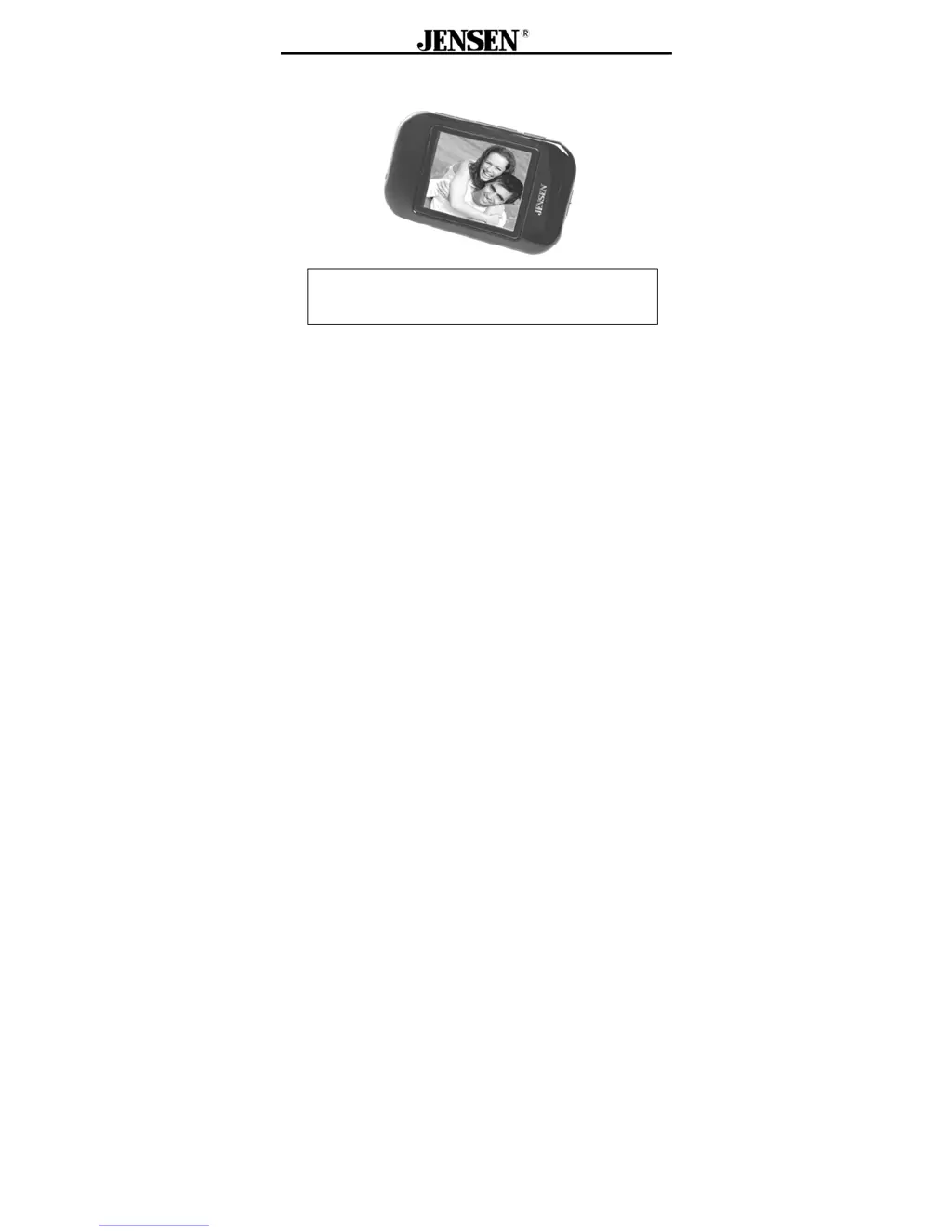
MODEL SMPV-4GBEB
DIGITAL MEDIA PLAYER
PLEASE READ THIS USER MANUAL COMPLETELY
BEFORE OPERATING THIS UNIT AND RETAIN THIS
BOOKLET FOR FUTURE REFERENCE.

Questions and Answers

  • J
    Jesus AdkinsJul 26, 2025
    Why do the timestamps gain time on my Jensen SMPV-4GBEB Media Player recordings?
    • J
      Joseph CamposJul 26, 2025
      If the timestamps of recorded files on your Jensen Media Player are gaining time, it's because the system time is not accurately controlled. Before making live or radio recordings, check and adjust the system time if necessary.
  • C
    chenbrianAug 3, 2025
    What to do if my Jensen SMPV-4GBEB Media Player won't turn on?
    • K
      Kimberly WilliamsAug 3, 2025
      If your Jensen Media Player doesn't turn on, the battery might be completely drained. Connect the player to your computer's USB port to recharge it. Allow it to charge for about 10 minutes, then try restarting it. Fully recharging a depleted battery takes approximately 3 hours.
  • A
    Angela CurtisAug 10, 2025
    Why is there no sound from my Jensen SMPV-4GBEB Media Player earbuds?
    • C
      Christina FullerAug 10, 2025
      If you're not getting any sound from the earbuds connected to your Jensen Media Player, first ensure that the volume isn't set to zero. Also, double-check the connection between the earbuds and the unit. If that doesn't work, the music file may be corrupted, so please download it again. If it's a video file, try using video converter software to recreate the clip.
  • K
    katherine32Aug 18, 2025
    What to do if I can't download files to my Jensen SMPV-4GBEB?
    • T
      Taylor WilliamsAug 18, 2025
      If you're unable to download files to your Jensen Media Player, ensure that your computer's USB port is functioning correctly and that the connecting cable is not damaged. Also, verify that your player's memory isn't full.

Summary

Safety and Introduction

General Safety Precautions

Essential guidelines for safe operation and handling of the digital media player.

Hearing Protection Advice

Recommendations for setting safe listening levels to prevent hearing damage.

FCC Compliance and Accessories

FCC Regulatory Compliance

Details on how the device adheres to FCC rules for radio frequency emissions.

Included Accessories

Lists all items provided with the digital media player for user convenience.

Power and Initial Setup

Battery Charging Instructions

Step-by-step guide on how to charge the unit's built-in battery.

Device Component Overview

Visual guide to the physical parts and controls of the digital media player.

Button Functionality

Detailed explanation of what each button on the device does.

Powering On;Off and Initialization

How to turn the device on, off, and perform initial setup.

Data Management and Transfer

Downloading Music to Your Unit

Instructions for connecting and transferring music files from a computer.

Safe Removal from Computer

Steps to safely disconnect the player from the computer to prevent data loss.

Media Playback and Recording

Playing Music, Video, and Voice

Guide to playing various media types on the device.

Recording Audio Content

Options for voice and radio recording quality and settings.

Music Menu Functions (MENU-1)

Music Playback Controls and Settings

Repeat modes, Equalizer, SRS effects, Tempo, and A-B replay configurations.

Music File and Folder Management

Managing music files via lists, favorites, navigation modes, and folders.

Bookmark Functionality

Adding, viewing, and deleting bookmarks for music tracks.

Video Menu Functions (MENU-2)

Video Playback and File Management

Playing videos, navigating folders, and deleting video files.

Recording Menu Functions (MENU-3)

Recording Options and Settings

Configuring recording quality, gain, and managing recorded files.

Playback Menu Functions (MENU-4)

Playback Controls for Recordings

Adjusting playback speed, repeat modes, and A-B replay for recorded audio.

Recording File Management

Deleting recorded files and managing local folders.

Radio Menu Functions (MENU-5)

Radio Tuning and Preset Management

Tuning stations, saving presets, and auto-searching for radio signals.

Radio Recording and Saving

Recording radio programs and saving frequencies.

Picture Menu Functions (MENU-6)

Image Viewing and Slideshow

Displaying images, managing slideshow modes, and navigating files.

Picture File Management

Deleting individual image files or all files in a folder.

Text Menu Functions (MENU-7)

Reading Text Files and Bookmarks

Opening text files, managing bookmarks, and scrolling content.

Text File Management

Deleting text files and managing folders.

Browser and System Settings

File Browser Functionality

Finding and opening various file types across the device's folders.

System Time and Language Settings

Configuring system time, date, and user interface language.

LCD, Power, and Sleep Settings

Adjusting LCD backlight, auto power off, and sleep timer durations.

Advanced System Settings

Managing A-B replay, memory info, firmware, key tone, and reset options.

Key Lock Functionality

Using the physical switch to lock/unlock device controls.

Reset and Troubleshooting

Unit Initialization and Reset Procedure

Instructions for resetting the device to factory default settings or initializing it.

Common Troubleshooting Solutions

Addressing issues like power failure, no sound, file errors, and download problems.

Specifications and Warranty

Device Technical Specifications

Detailed technical data including power, screen, memory, and supported formats.

Limited Warranty Information

Details on warranty coverage, terms, conditions, and service procedures.

Jensen SMPV-4GBEB Specifications

General IconGeneral
Storage Capacity4 GB
Display TypeLCD
Supported Audio FormatsMP3, WMA
FM RadioYes
Voice RecordingYes
ConnectivityUSB 2.0
Supported Video FormatsAVI, MP4
Supported Media FormatsMP3, WMA
DisplayColor
BatteryRechargeable
Screen Size1.8 in
Battery TypeRechargeable Lithium-ion

Related product manuals