• Windows 2000
The Skybound USB driver automatically installs when the Skybound adapter plugs into a
USB port.
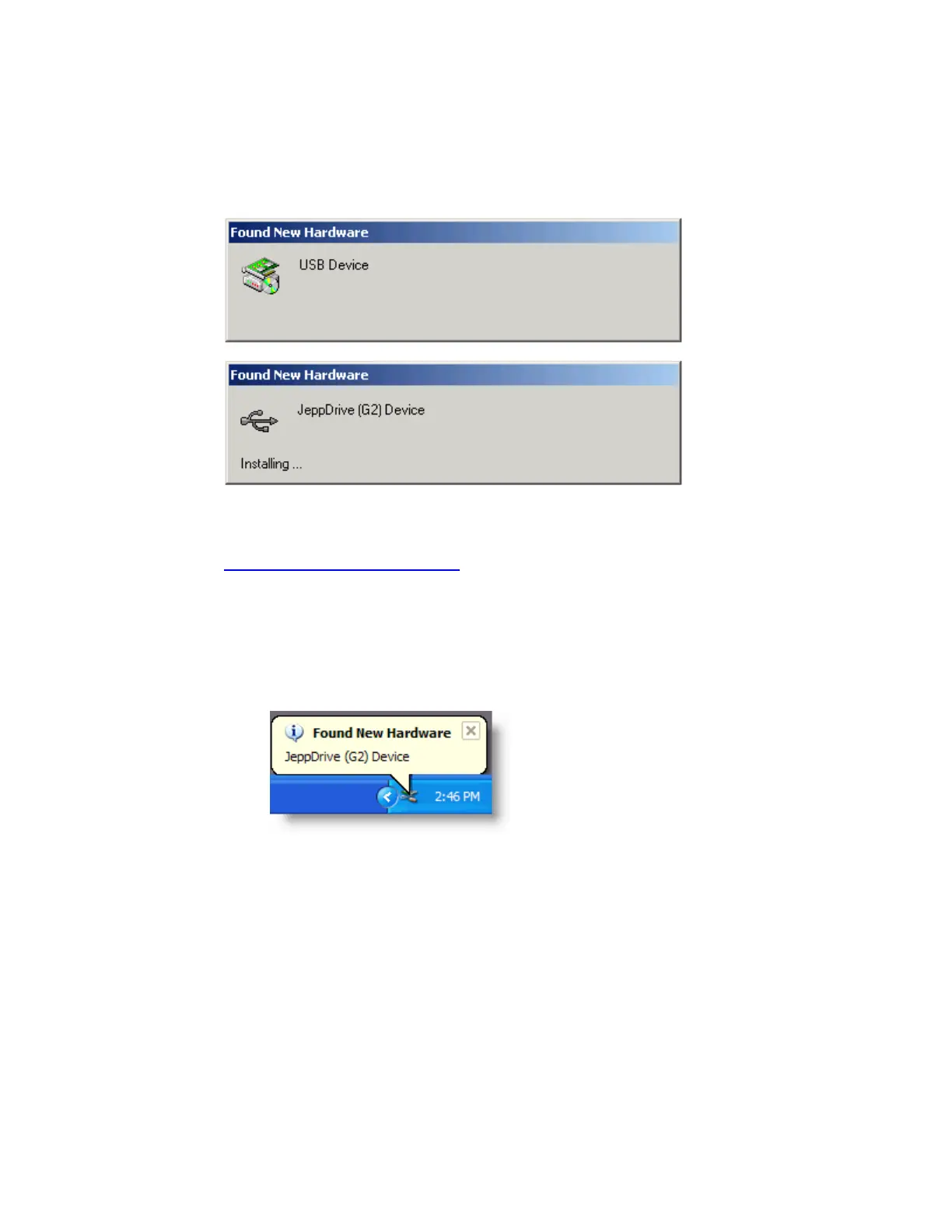
The following dialog boxes appear:
When the dialog boxes stop displaying, the hardware adapter is installed and ready to be
used.
If your computer is having complications detecting the Skybound USB adapter, view
support information from Microsoft.
•
Windows XP
Perform the following steps after the Skybound adapter is connected to the computer:
A. The Found New Hardware Wizard starts if Windows XP does not have a driver
for the Skybound adapter. You might need to double-click the Found New
Hardware message in the System Tray.


 To Next Page