EasyManua.ls Logo

JETHRO SC213 - Headset;Bluetooth Modes; Menu Function

JETHRO SC213
66 pages
Print Icon
To Next Page IconTo Next Page
To Previous Page IconTo Previous Page
Loading...
19
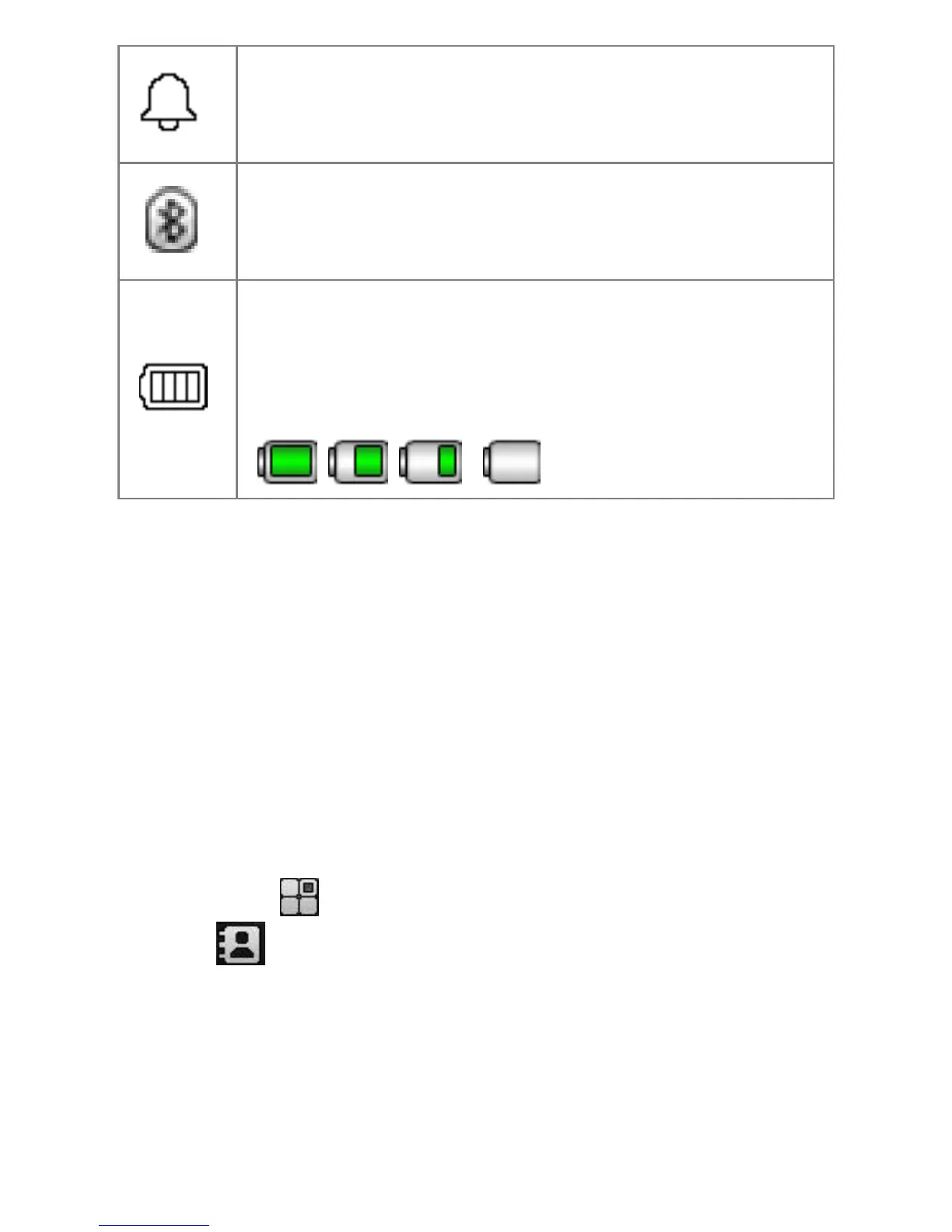
Alarm clock
This symbol is displayed when the
alarm is switched on.
Bluetooth
This symbol appears when the
Bluetooth is turned on.
Battery meter
This character changers color
depending on the status of the
battery.
, , ,
Headset/Bluetooth mode
When headset is connected (includes a
Bluetooth headset), you can answer the
cal by pressing the key on the headset.
Menu function
In the home screen, press the left menu
button ( ) to enter main menu, press
the ( ) to access the contacts.


Table of Contents

Related product manuals