12
3. If the battery in the device, please
remove it.
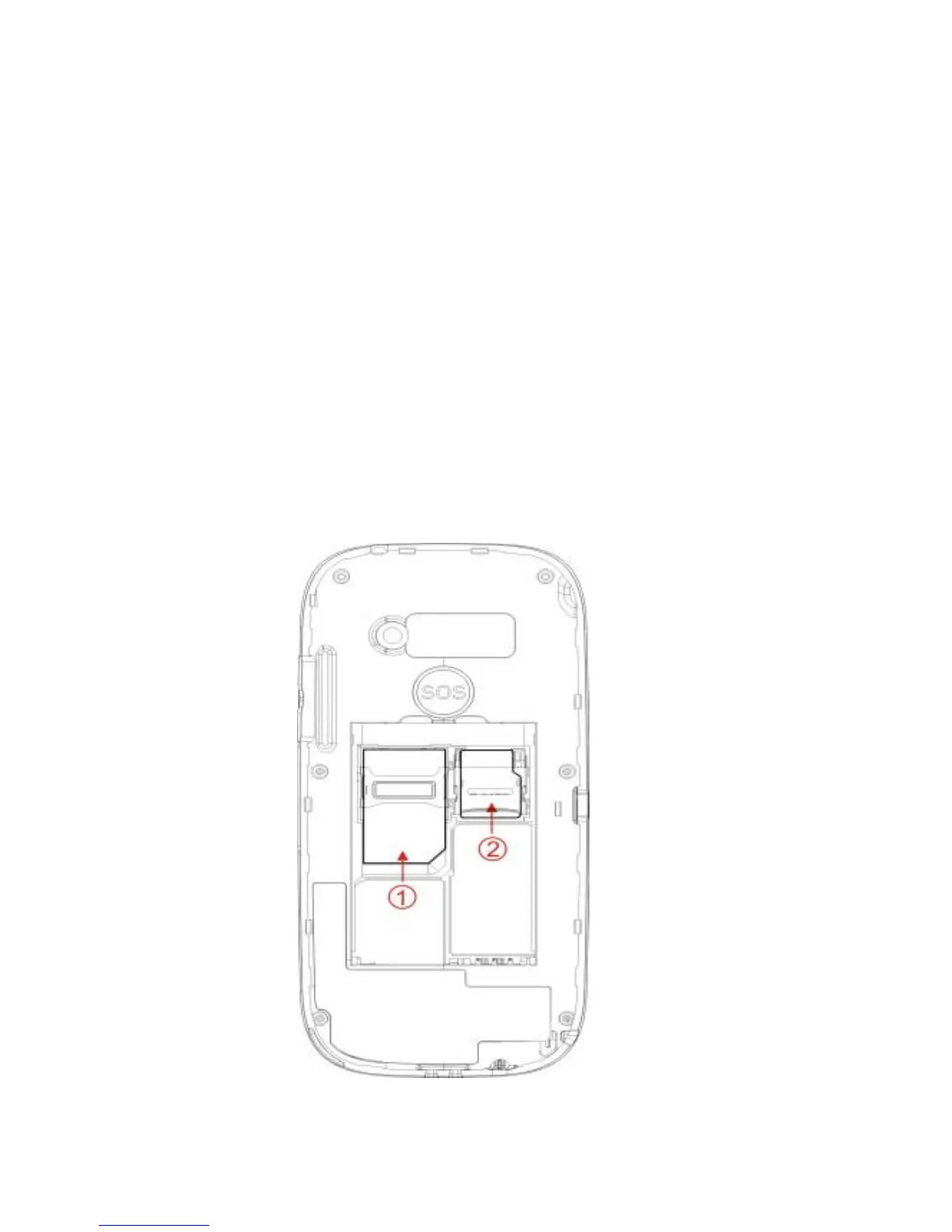
4. See 2 cards holders: top left for the
SIM card and the top right for the
optional microSD card.
5. Push the SIM card carefully into the
SIM card slot (1). Ensure that the
Gold contacts of the card facing down.
6. Carefull unlock the microSD card slot
door, install the microSD card into the
holder (2) and then lock holder door.



 To Next Page