EasyManua.ls Logo

JGC AR5100-TFT - User Manual

JGC AR5100-TFT
52 pages
Go to English
Print Icon
To Next Page IconTo Next Page
Loading...
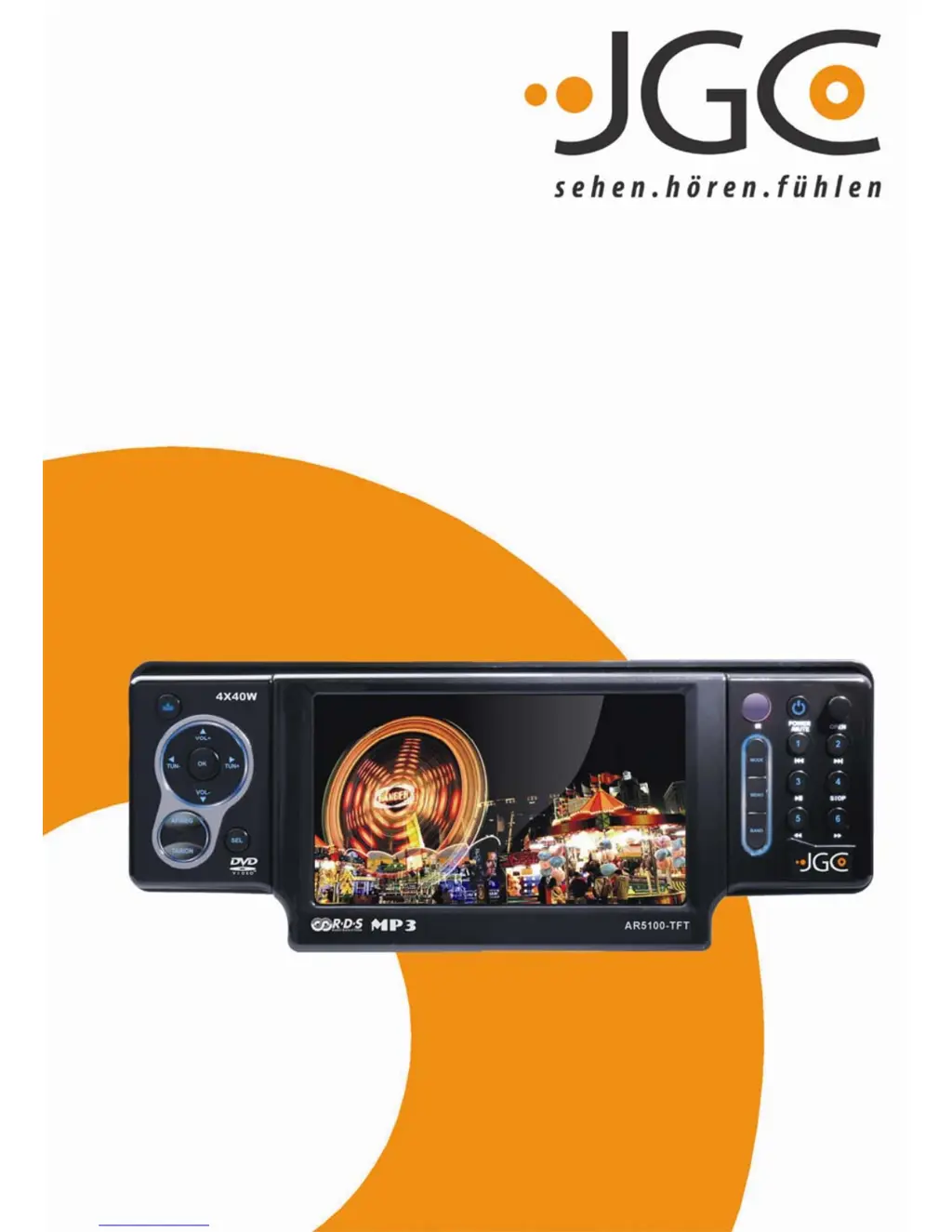
AR5100-TFT
RDS AUTORADIO MIT DVD/CD/MP3 PLAYER
UND 4“ TFT MONITOR
BEDIENUNGSANLEITUNG
USER MANUAL

Questions and Answers

  • J
    Jennifer YatesAug 9, 2025
    What to do if JGC AR5100-TFT Car Video System buttons don't work?
    • M
      Matthew JamesAug 9, 2025
      If nothing happens when you press the buttons and the display isn't accurate on your JGC Car Video System, it could be due to a malfunctioning microprocessor. Turn off the power, press the [OPEN] button, and remove the Control Panel. Then, press the [RESET] button for about 2 seconds using a thin rod. Another cause may be dirty connectors on the Panel or Main Unit. Clean them with a soft cloth moistened with cleaning alcohol.
  • J
    James WilsonAug 25, 2025
    What to do if JGC Car Video System has no sound with amplifiers or power antenna?
    • S
      Sherry HernandezAug 25, 2025
      If there's no sound output when operating your JGC Car Video System with amplifiers or a power antenna attached, it could be because the power antenna lead is shorted to ground or excessive current is required for remote on the amplifiers or power antenna. Here's what you can do: 1. Turn off the unit. 2. Remove all wires attached to the power antenna lead and check each wire for a possible short to ground using an ohm meter. 3. Turn on the unit. 4. Reconnect each amplifier remote wire to the power antenna lead one by one. 5. If the amplifiers turn off before all wires are attached, use an external relay to provide remote-on voltage, as excessive current is required.

JGC AR5100-TFT Specifications

General IconGeneral
BrandJGC
ModelAR5100-TFT
CategoryCar Video System
LanguageEnglish