EasyManua.ls Logo

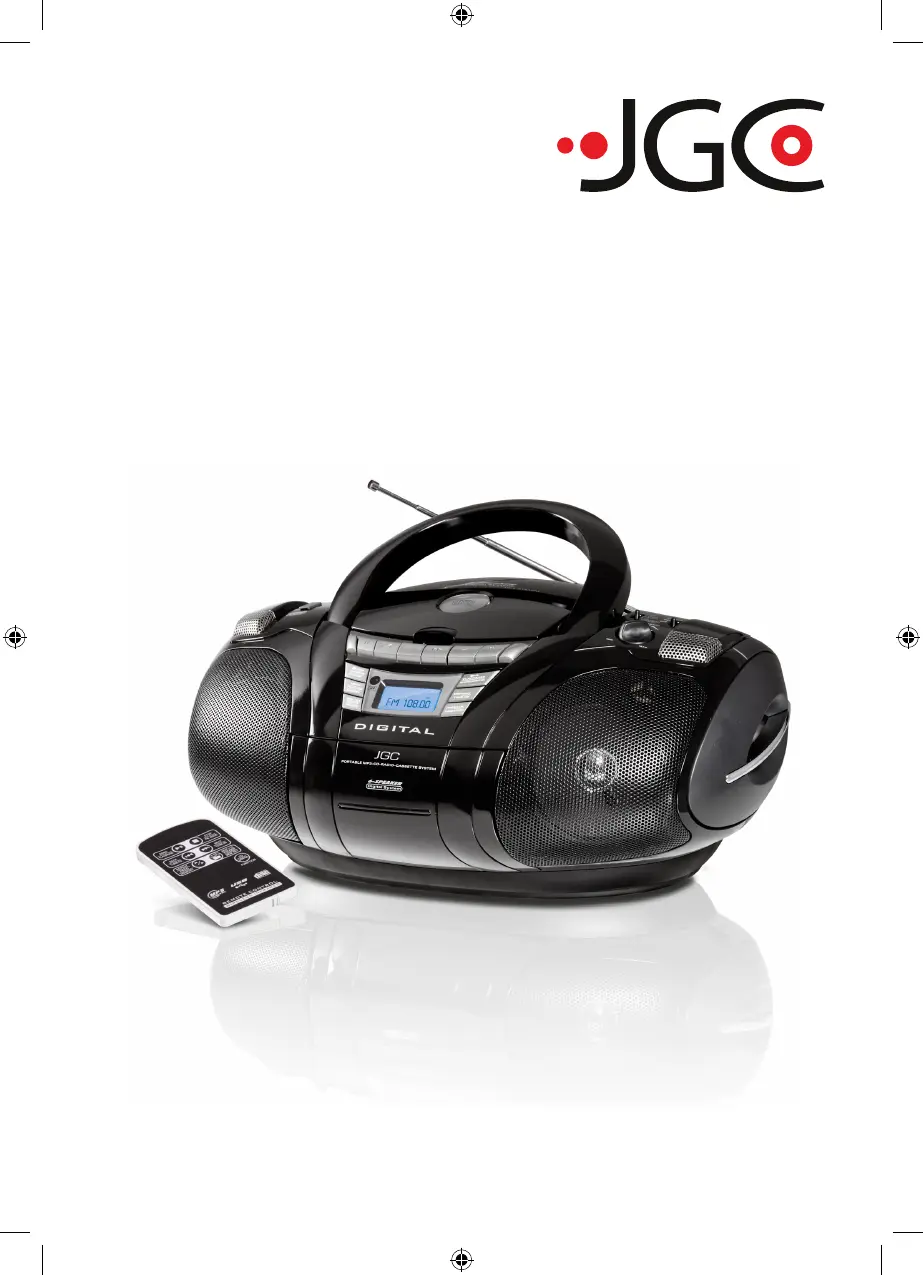
JGC JGC-RRMP-6910 - User Manual

JGC JGC-RRMP-6910
43 pages
Go to English
Print Icon
To Next Page IconTo Next Page
Loading...
CD-Radio Rekorder
CD Radio Recorder
JGC-RRMP-6910
Bedienungsanleitung
User Manual
D
JGC-RRMP-6910-IM-DE-EN-V2.indb 1 11/08/2009 1:13 PM

Questions and Answers

  • R
    Rebecca JonesAug 13, 2025
    What to do if my JGC JGC-RRMP-6910 displays 'NO DISC'?
    • C
      Cameron RuizAug 13, 2025
      If your JGC Recording Equipment displays 'NO DISC', it could be due to several reasons. First, ensure that a CD is actually inserted into the CD compartment. If a CD is present, check if it is badly scratched or dirty; if so, use an unscratched and clean CD. The laser lens might also be dirty or scuffed, in which case you should clean the lens and leave the device in a dry surrounding for 1-2 hours to allow any condensation to dry. Lastly, if you are using a CD-R, it may be empty or not properly closed; ensure the CD-R is closed.
  • P
    Pamela LewisAug 16, 2025
    Why is there no sound from my JGC Recording Equipment?
    • T
      Traci NixonAug 16, 2025
      If you're not getting any sound from your JGC Recording Equipment, there are a couple of things to check. First, make sure the volume isn't set too low, and increase it if necessary. Also, ensure that the plug is correctly plugged in.
  • C
    Cassandra WallaceAug 20, 2025
    What to do if my JGC JGC-RRMP-6910 CD is skipping tracks?
    • A
      Anthony PierceAug 21, 2025
      If the CD is skipping tracks on your JGC Recording Equipment, the CD might be dirty or damaged, so try cleaning or replacing it. Alternatively, if a program is currently playing, end program playback.
  • B
    blairtheresaAug 25, 2025
    Why does my JGC Recording Equipment CD cannot play?
    • B
      Brenda WilliamsAug 25, 2025
      If your JGC Recording Equipment CD cannot play, it might be because the CD is badly scratched or dirty; use an unscratched and clean CD. It could also be that the laser lens is dirty or scuffed, so clean the lens and leave the device in a dry surrounding for 1-2 hours to allow any condensation to dry.
  • T
    Tyler LewisAug 27, 2025
    What causes USB / memory card error in JGC Recording Equipment?
    • D
      Dawn BrownAug 27, 2025
      A USB or memory card error on your JGC Recording Equipment can be due to a connection error. Try removing the memory card or USB and inserting it again. It could also be that there are no playable files available, so ensure you are using a memory card or USB storage with MP3 files.
  • M
    Mrs. Vanessa Stephens MDSep 1, 2025
    What to do if my JGC JGC-RRMP-6910 Recording Equipment recording does not function?
    • D
      Douglas CastilloSep 1, 2025
      If recording isn't working on your JGC Recording Equipment, the safety latch on the cassette may have broken off. Before covering the hole with adhesive tape, make sure you want to overwrite the cassette. Also, check if the protection slider on the SD card is in operation; if so, slide it towards the connections before inserting the card.
  • T
    testradaSep 4, 2025
    How to fix poor music quality with cassette operation on JGC JGC-RRMP-6910?
    • C
      Cindy JonesSep 4, 2025
      Poor music quality during cassette operation on your JGC Recording Equipment may be caused by dust and dirt on the head, requiring cleaning. Also, ensure you are using only IEC I type cassettes (NORMAL) as other types may be incompatible.
  • R
    Renee HernandezSep 8, 2025
    What to do if my JGC JGC-RRMP-6910 display is blank?
    • N
      Nathan ThompsonSep 8, 2025
      If the display on your JGC Recording Equipment is blank and doesn't respond to button presses, it could be due to electrostatic discharge. To resolve this, switch off the device, pull out the plug, wait briefly, and then plug it back in.

Summary

IMPORTANT SAFETY INSTRUCTIONS

Explanation of warning symbols

Explains symbols used for safety warnings.

General Safety Precautions

General guidelines for safe usage and maintenance of the device.

Location Guidelines

Recommendations for device placement to ensure safety and proper function.

Power Supply Safety

Instructions regarding the safe use of the power cord and mains connection.

Battery Safety

Precautions for handling and replacing batteries to avoid hazards.

PREPARATION

Mains operation

Instructions for operating the device using the power cord.

Battery operation

Instructions for operating the device using batteries.

BASIC FUNCTIONS

Remote control setup

Setup and usage instructions for the remote control.

Select operation mode

How to choose the operating mode for the device.

RADIO OPERATION

CD-PLAYER

Play MP3-CD

Specifics on playing CDs containing MP3 files.

USB STORAGE AND SD;MMC CARDS

CASSETTE RECORDER

Recording onto cassette

Instructions for recording audio onto cassette tapes.

TROUBLESHOOTING

JGC JGC-RRMP-6910 Specifications

General IconGeneral
BrandJGC
ModelJGC-RRMP-6910
CategoryRecording Equipment
LanguageEnglish

Related product manuals