Setting Up
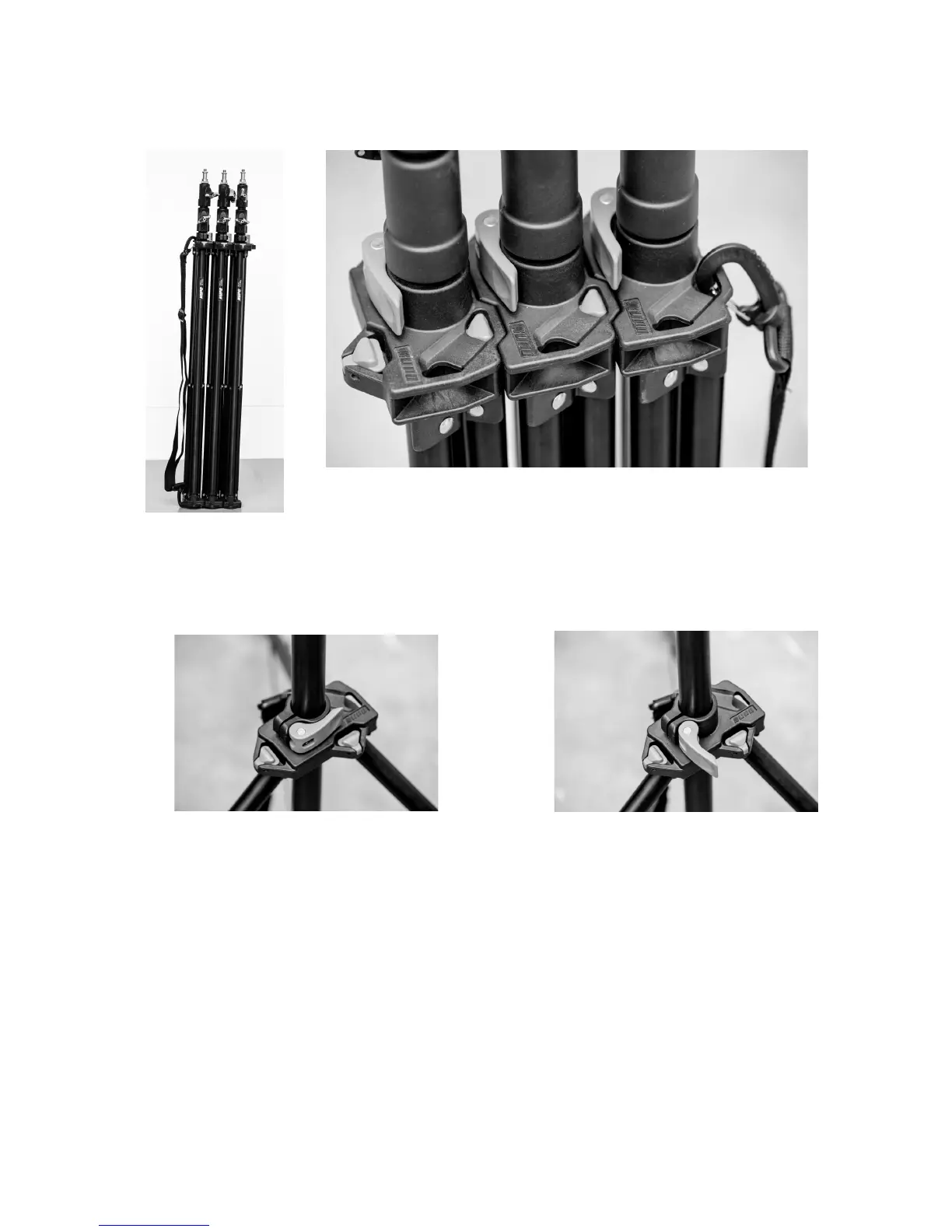
Setting up the light stands is very easy.
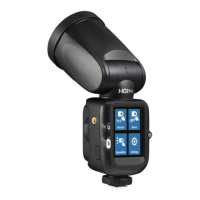
Unclip the top of a stand from its neighbour by pushing down on the triangular blue
button near the blue locking lever. Pull the stand away from its neighbour.
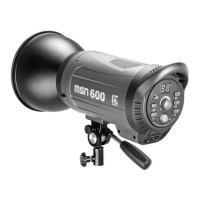
Unlock the locking lever.
Pull out the bottom of the legs as far as they will go (may require separating from the
bottom), place the stand on the floor, push down on the central column to ensure it is
fully spread and re-lock the stand. Once you have the light stand in the correct position
use one or more of the KPS weight bags to stabilise the stand.
Page 5 of 26


 To Next Page