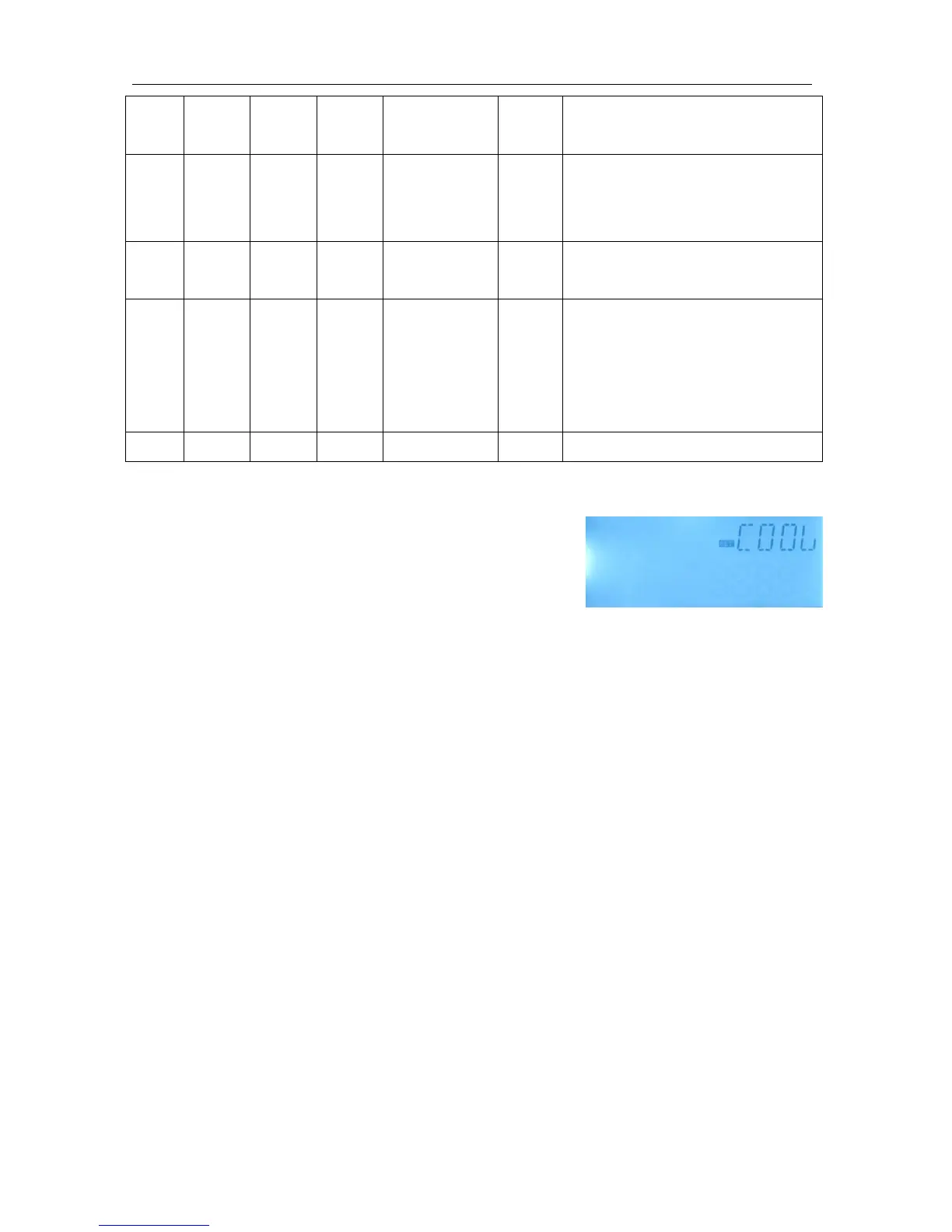
Function setting:
OSTC (Tank cooling) setup
►Select “OSTC” function submenu,”OSTC” displays on
the screen
►Press “SET”, “OSTC OFF” displays on the screen
►Press “SET”, “OFF” blinks on the screen
►Press “+/-”, to activate this function
►Press “+”, “DTCO 20K” displays on the screen
►Press “SET”, “20K” blinks on the screen
►Press “+/-”, to adjust the switch-on temperature difference of tank cooling function
►Press “SET” or “ESC” to save the setting
►Press “+”, “DTCF 15K” displays on the screen
►Press “SET”, “15K” blinks on the screen
►Press “+/-”, to adjust the switch-off temperature difference of tank cooling function
►Press “SET” or “ESC” to save the setting
►Press “ESC” to return to previous menu
OHDP (Heat transferring) setup
►Select “OHDP” function sub-menu,”OHDP” displays on the screen
►Press “SET”, “OHDP OFF” displays on the screen
►Press “SET”, “OFF” blinks on the screen
►Press “+/-”, to activate this function, “OHDP ON” displays on the screen
►Press “+”, “OTST 80
o
C” displays on the screen


 To Next Page