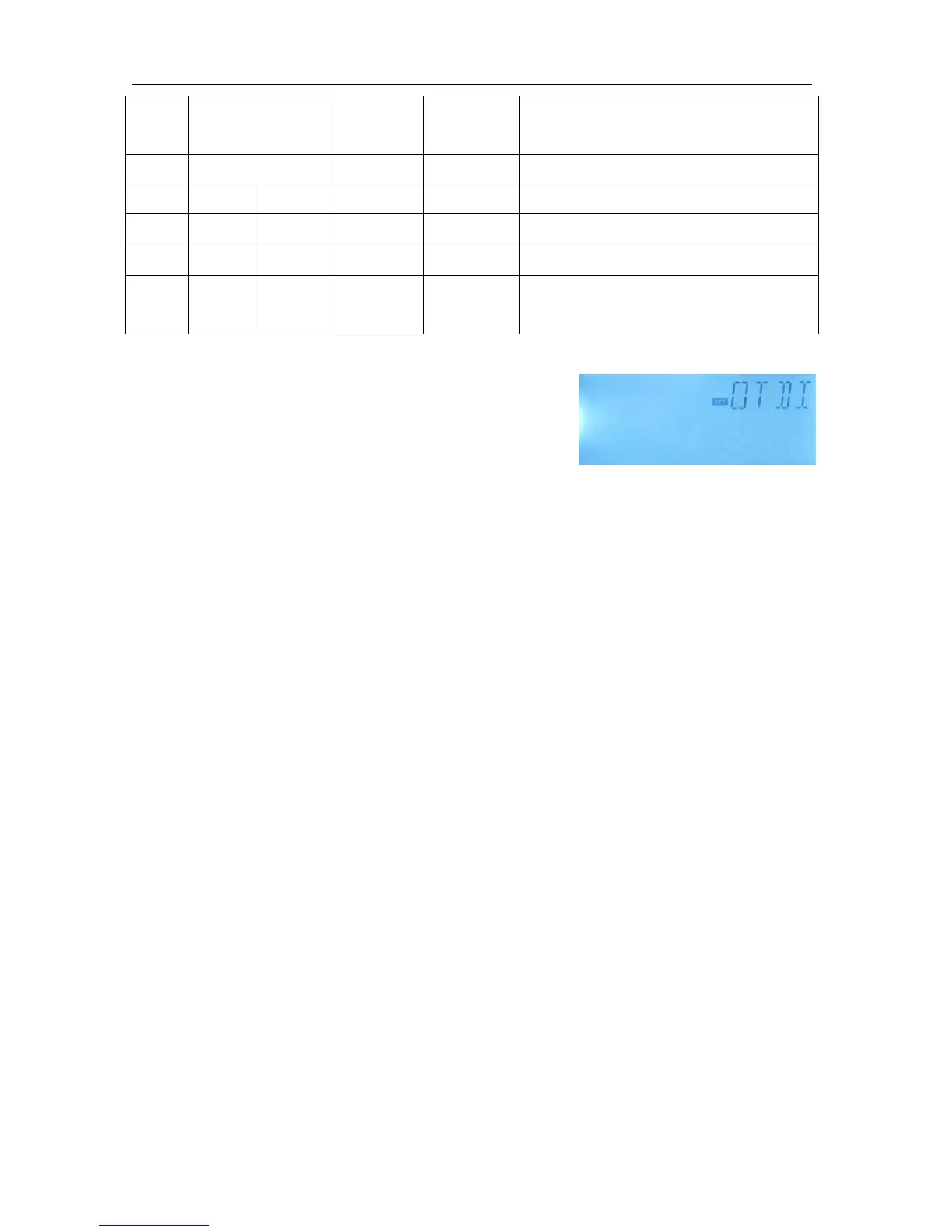
Function setting
►Select OTDI main menu
►Press “SET”, “OTDI OFF” display
►Press “SET”, “OFF” blinks
►Press “+/-”, to activate this function, “OTDI ON” displays
►Press “SET” or “ESC” to save the setting
►Press “+”, “PDIS 7” displays
►Press “SET”, “7” blinks
►Press “+/-”, to adjust the days for disinfection monitoring,
►Press “SET” or “ESC” to save the setting
►Press “+”, “DDIS 10Min” displays on the screen
►Press “SET”, “10” blinks
►Press “+/-”, to adjust the heating time of disinfection
►Press “SET” or “ESC” to save the setting
►Press “+”, “TDIS 70
o
C” displays on the screen
►Press “SET”, “70
o
C” blinks
►Press “+/-”, to adjust the temperature of disinfection
►Press “SET” or “ESC” to save the setting
►Press “+”, “SDIS 18:00” displays on the screen
►Press “SET”, “18” blinks
►Press “+/-”, to adjust the start time of the disinfection
►Press “SET” or “ESC” to save the setting
8.9 FS Flow rate monitoring and pump dry-running protection
Function Description:
In order to achieve flow rate monitoring, a extra digital flow counter FRT (see accessories) is


 To Next Page