Quick Start Guide 2
Getting Started
Turning Your Jitterbug Touch 2 On –
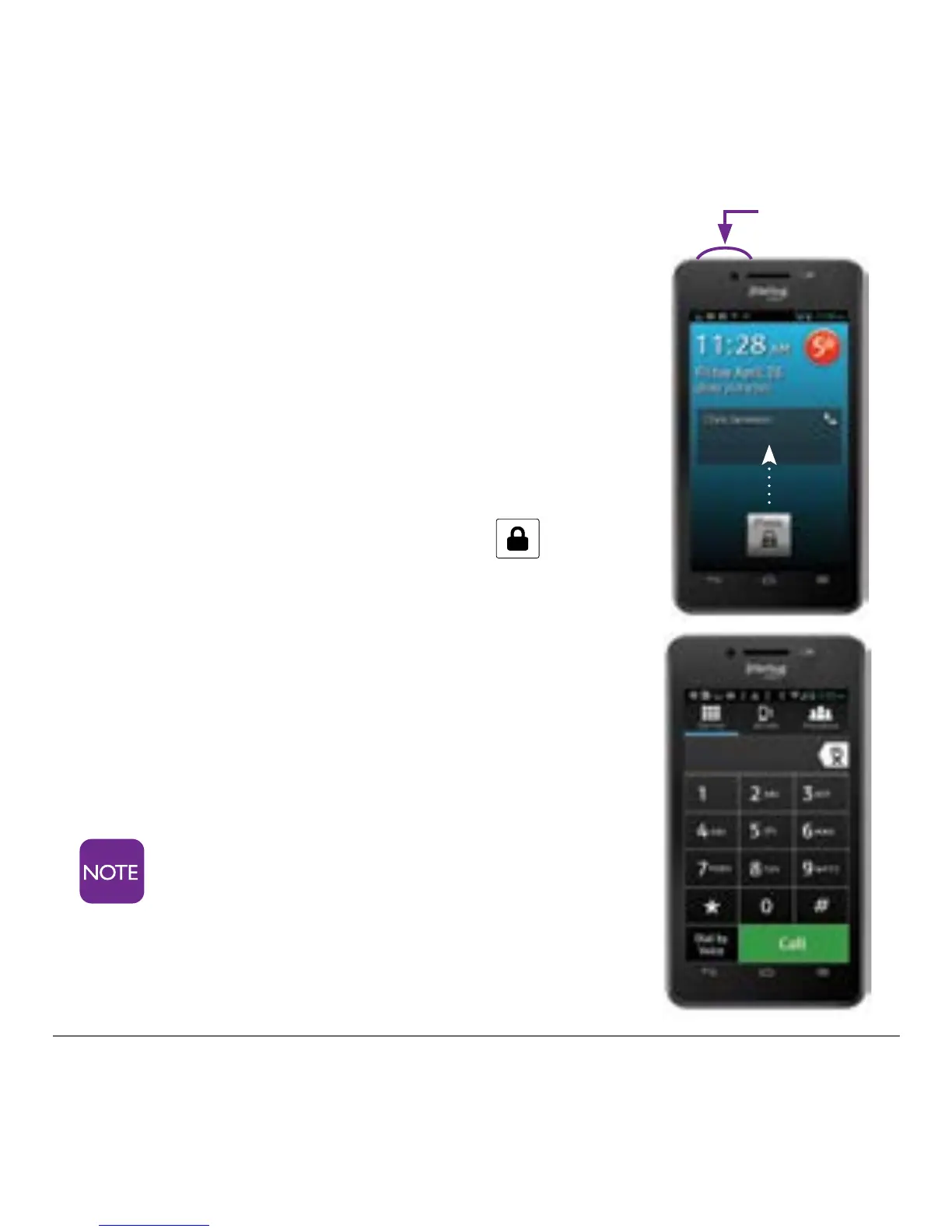
1. Press and hold the Power key on the
top left corner of the phone until the
screen turns on. You will see the
Jitterbug Touch 2 lock screen.
To Unlock the Screen –
1. Touch and hold the lock icon and
drag it up all in one motion.
Making Your First Call –
1. From the Home tab, tap “Phone.”
2. At the dialpad, enter a number.
3. Tap the “Call” button to dial the
number.
‘
After several minutes of non-use,
your phone will go into “sleep” to
save battery. To wake your phone,
simply press the power button
once.
Power key



 To Next Page